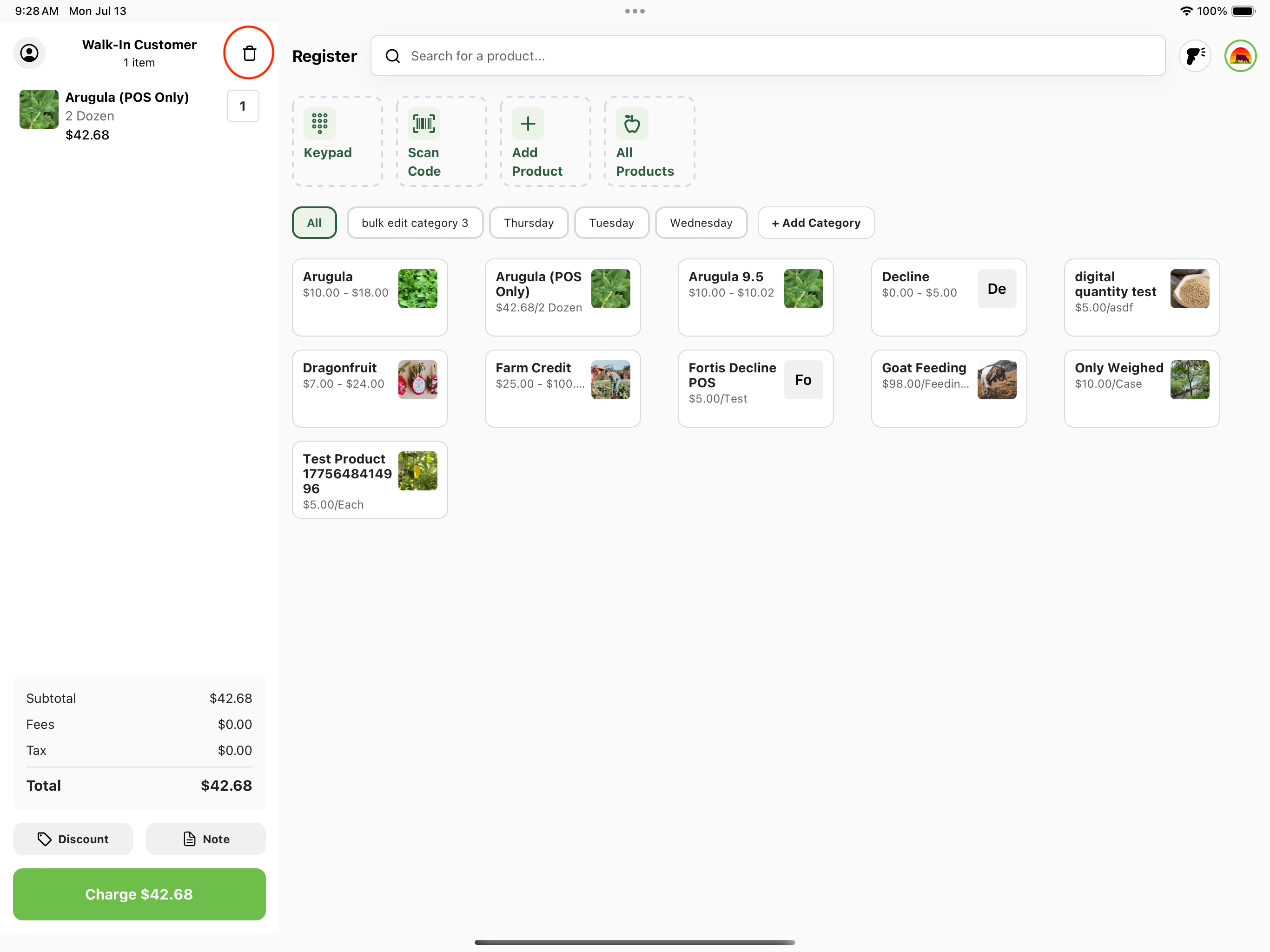
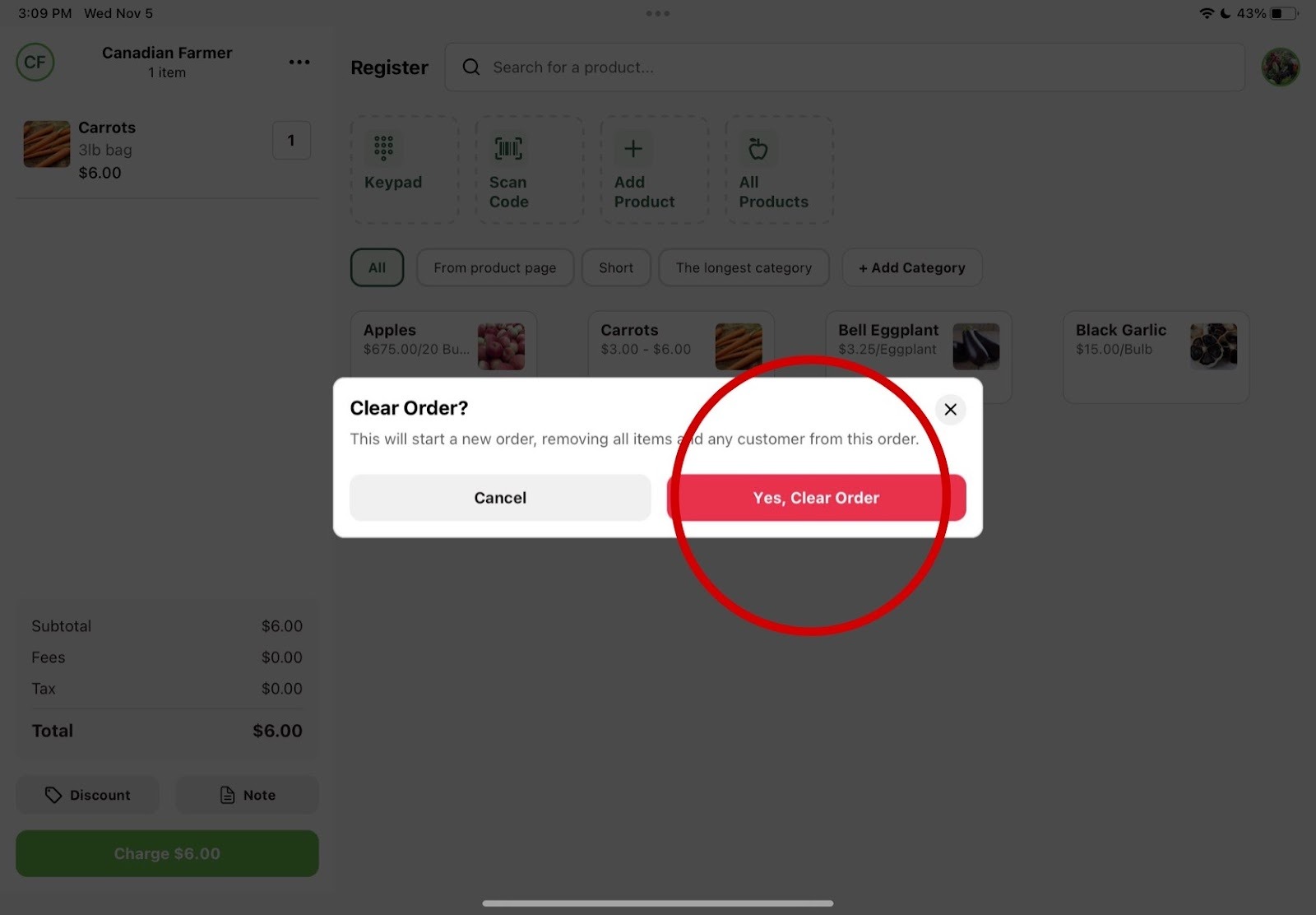
In your cart, click the three dots in the top right corner. A dropdown menu will appear with the option "Clear." Select this option, and a prompt will ask you to confirm your choice. Click the red "Yes, Clear Order" button, and you'll be returned to the Register starting point with an empty cart.

1. Navigate to your customer cart.

Click the three dots in the top right corner of your cart.

Register cart with the three-dot menu in the top right corner

2. Select "Clear".

Dropdown menu showing the Clear option

3. Clear cart confirmation.

Confirm you would like to clear the order by pressing the red button.

Confirmation prompt with the red Yes, Clear Order button

4. Your cart should be successfully cleared.