How to Login to GrownBy and Reset Your Password
GrownBy Login Methods
GrownBy supports a variety of Login methods. You can login with a connected phone number, email and password, Apple, or Google account.
Once you have selected a login method, you cannot change it. If you need your login method changed, please see the section below called "Changing Your Login Method."
Phone login does not have a password and will send you a verification text which you can type into GrownBy to login. Some devices may be able to detect that you received a verification code and log you in automatically or display the verification code above your keyboard.
If you have chosen Email, you will need to enter your password. If you have forgotten your password, click "Reset it" and a password reset email will arrive in your inbox.
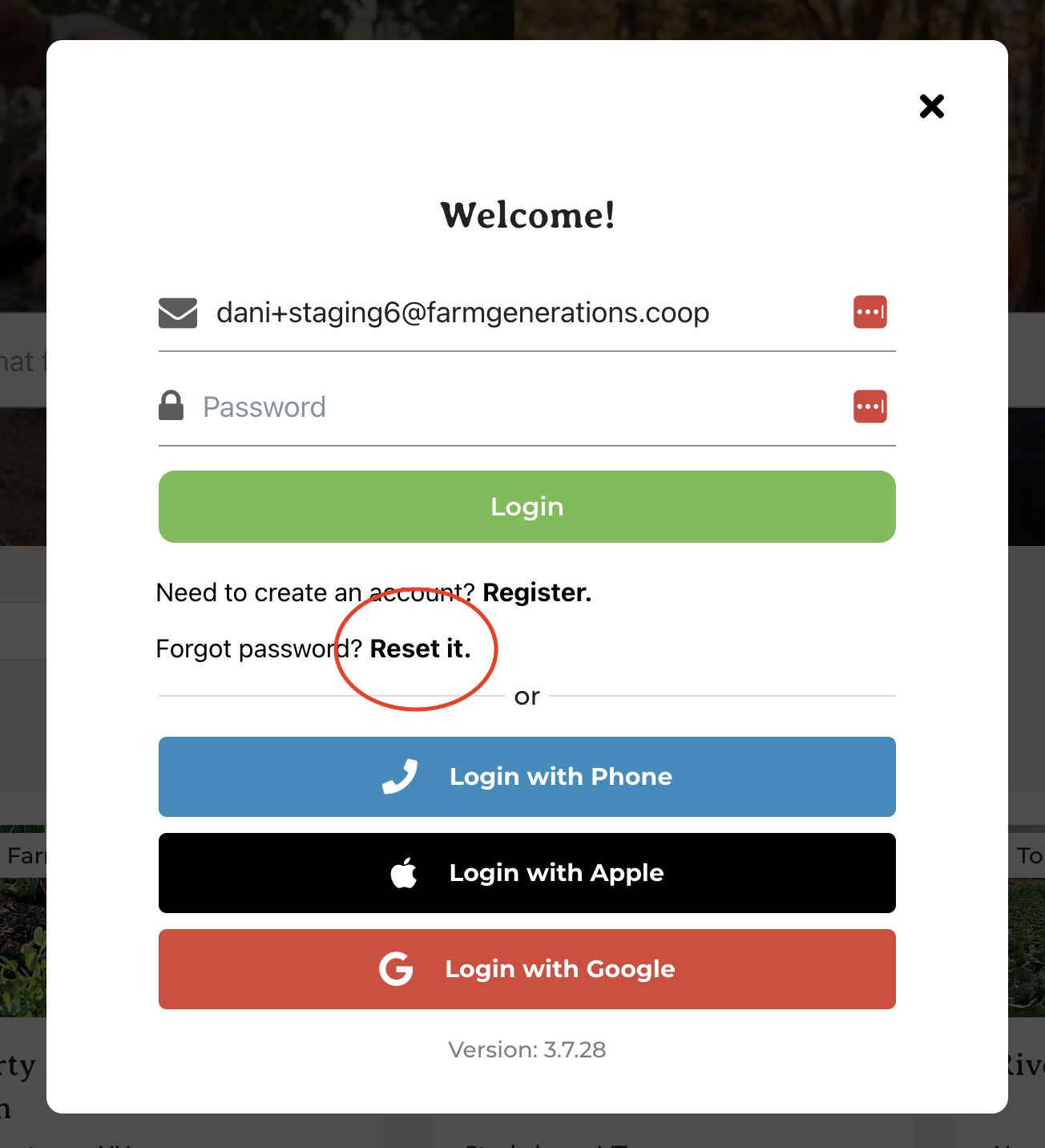 Reset your password
Once you have selected a login method, you cannot change it. If you need your login method changed, please see the section below called "Changing Your Login Method."
Phone login does not have a password and will send you a verification text which you can type into GrownBy to login. Some devices may be able to detect that you received a verification code and log you in automatically or display the verification code above your keyboard.
If you have chosen Email, you will need to enter your password. If you have forgotten your password, click "Reset it" and a password reset email will arrive in your inbox.
With Apple, or Google, if you are already logged in to one of those providers on your device, you may not have to select anything or you may have to specify which account you would like to use to login:
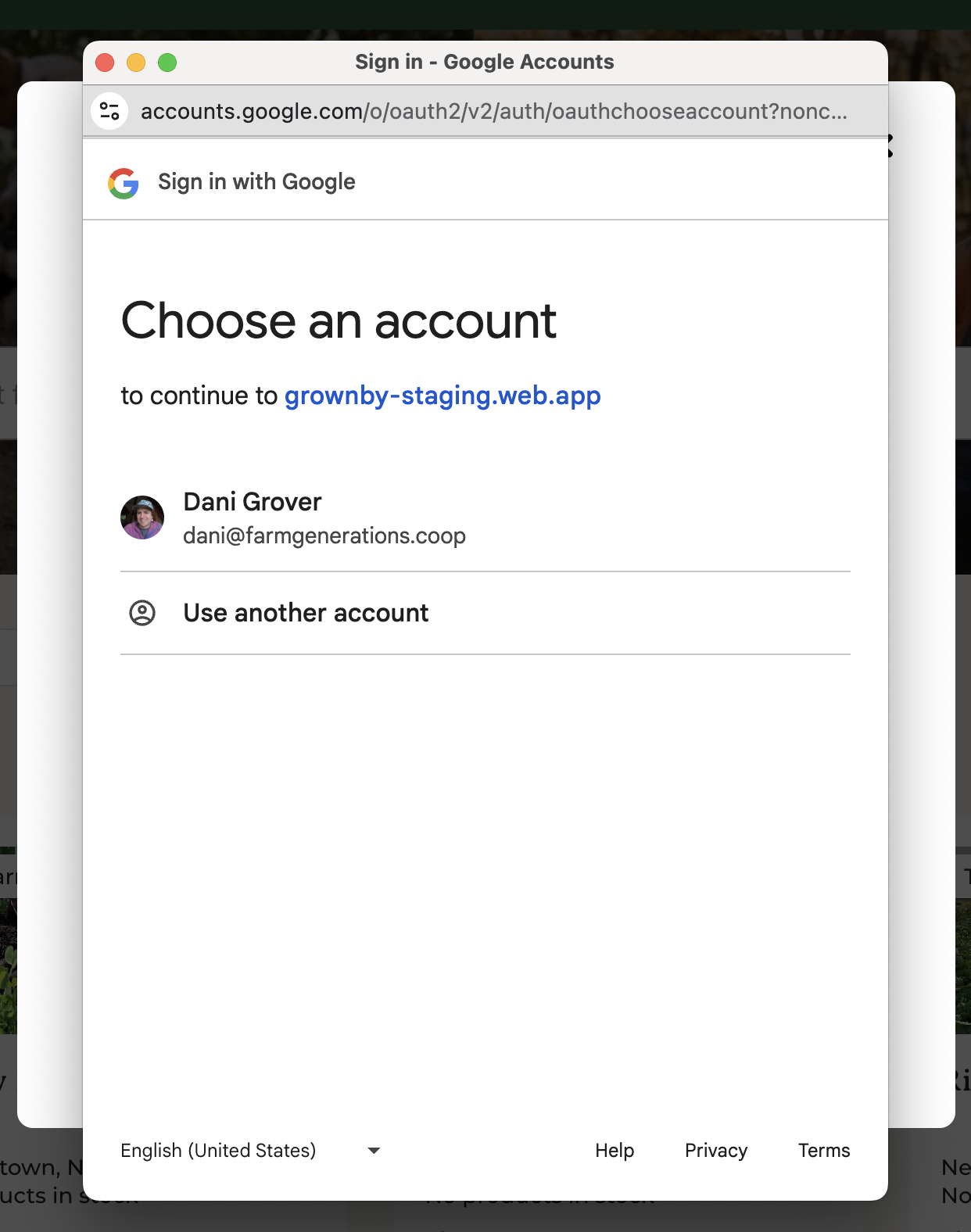 Sign in with Google; Choose an account screenshot
Changing your Login Method
If you need to change your login method, please provide us with your current login credential and what you would like to change your login method to at [email protected] and we'll be happy to help!
Still have questions? We have answers.
Email GrownBy support directly at [email protected], or schedule a one-on-one call with one of our team members. A real human with farming experience will get back to you as soon as possible!
Related Articles
Updating Your Phone Number on GrownBy and Phone Login Issues
Updating Your Phone Number on GrownBy You will be able to update your phone number yourself as long as it is not your login method. To do so, login and visit the Farm Profile section of your dashboard. Edit your number and click "Submit" at the ...How to Troubleshoot Browser and other Issues on GrownBy
Five Steps to Trouble Shoot When encountering issues with GrownBy, performing some basic web troubleshooting steps can often resolve the problem. Five essential actions to consider are: Use GrownBy in only one tab or window at a time. Reloading the ...How to Change your Country in GrownBy
GrownBy in the U.S. and Canada GrownBy is available for use by farms and customers in the U.S. and Canada. For shoppers, the experience should be seamless -- GrownBy will recognize the location of the user and automatically tailor their experience to ...How to Send and Receive Messages in GrownBy
Messages are a feature in GrownBy to help farmers and customers connect directly and keep a record of these conversations. How to Send a Message as a Customer From the farm's profile page, select Send Message. A popup will provide a space to send a ...Removing a Duplicate Farm Account
If you accidentally created two accounts for the same farm, choose the one you want to keep. You'll need to reach out to GrownBy support for help removing the duplicate farm. When you reach out, please include: The Farm Name and email used on each ...