
Messages are a feature in GrownBy to help farmers and customers connect directly and keep a record of these conversations.
How to Send a Message as a Customer
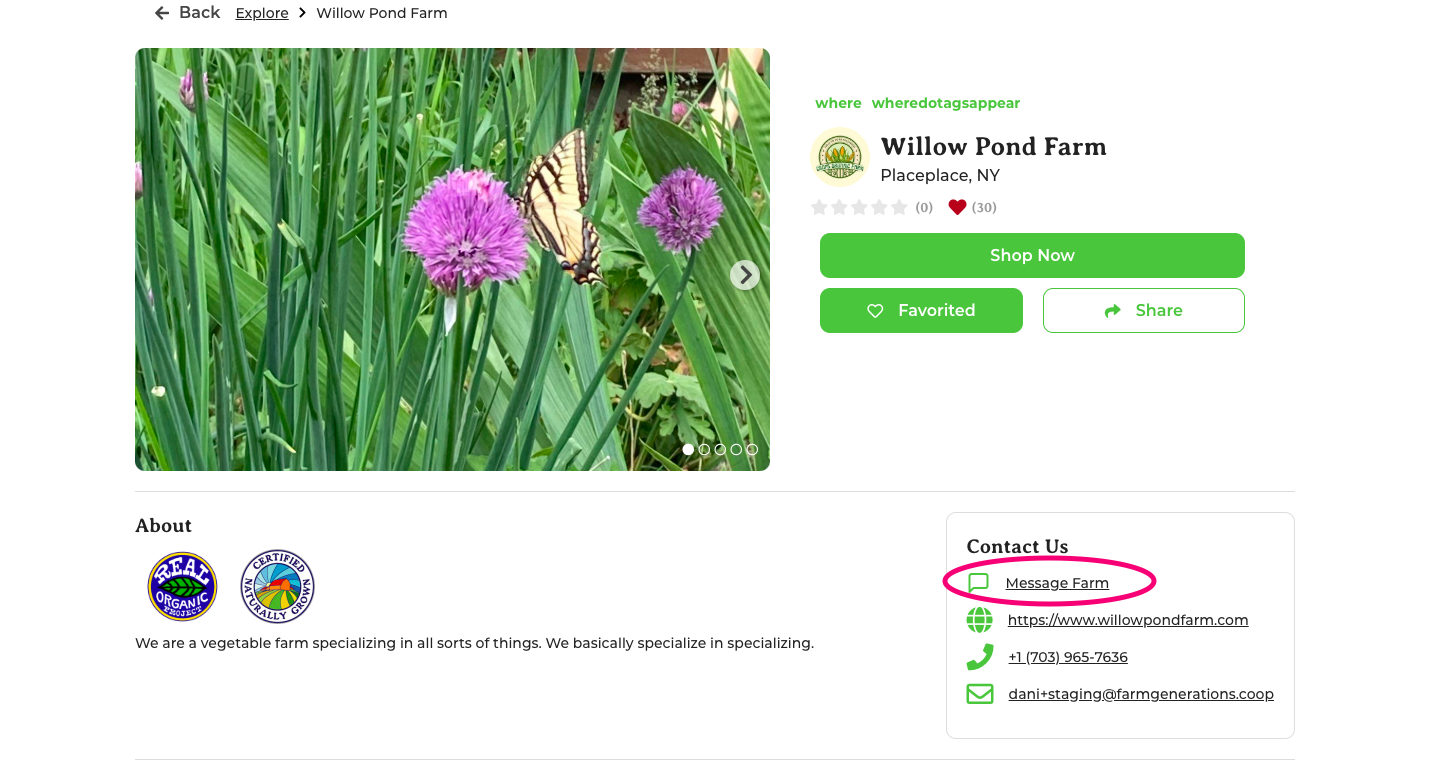
From the farm's profile page, select Message Farm.
A popup will provide a space to send a message.
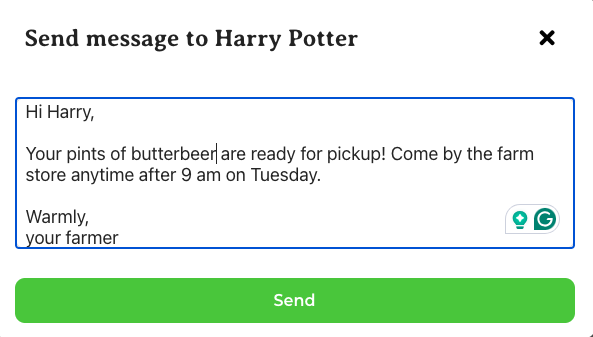
Once you have sent this first message, you can see the thread by navigating from your Profile to Messages. Both the customer and farmer receive a notification of each message.
How to Send a Message as a Farmer
To send the first message to a customer, go to the customer detail page and click on Send Message.
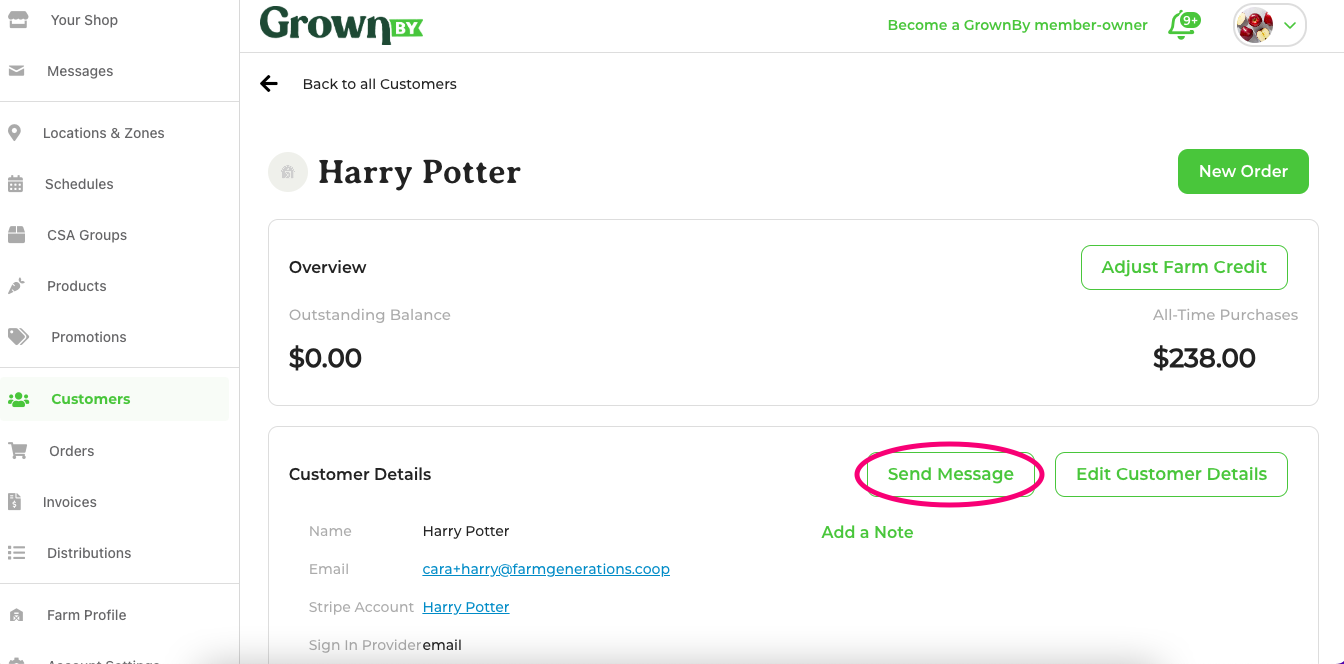
Type the message to your customer and hit send. This customer will show in your messages list, along with the text of this message. You can respond to the thread and review messages via the messages page.
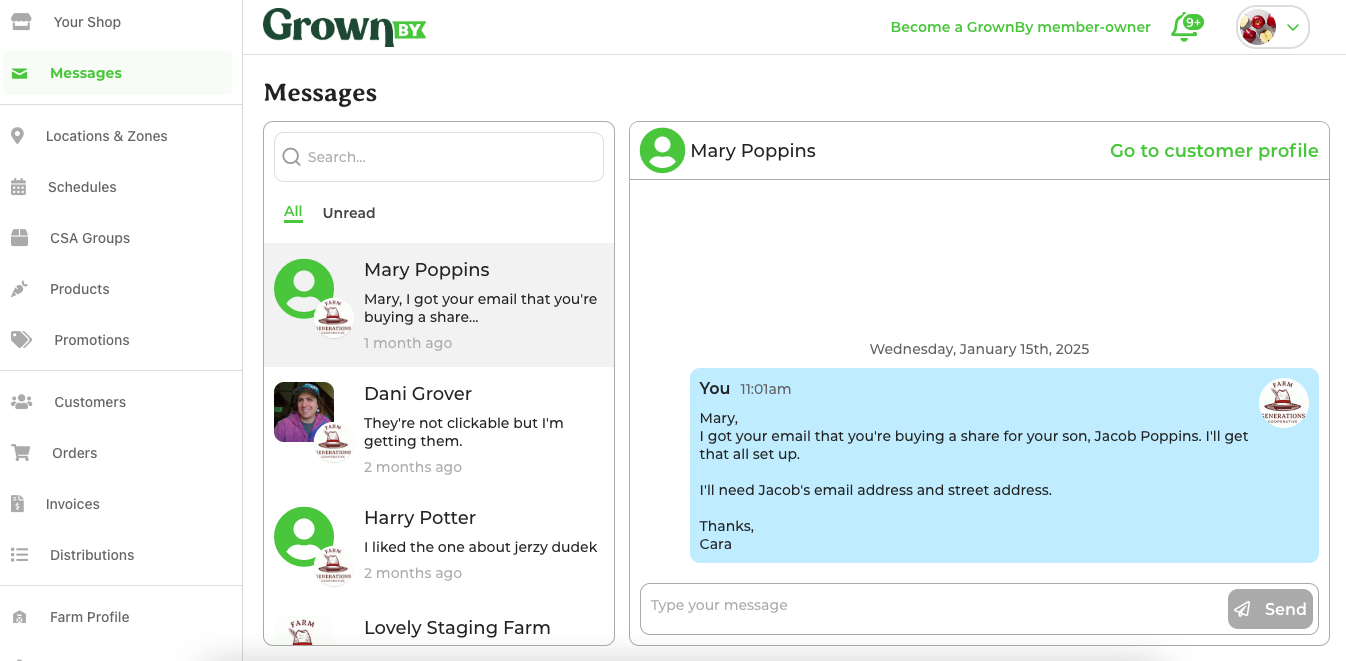
You can also start a new conversation directly from the Messages screen using the Pen icon at the top of the conversations list. This will bring up a pop-up where you can search for the customer you wish to message.
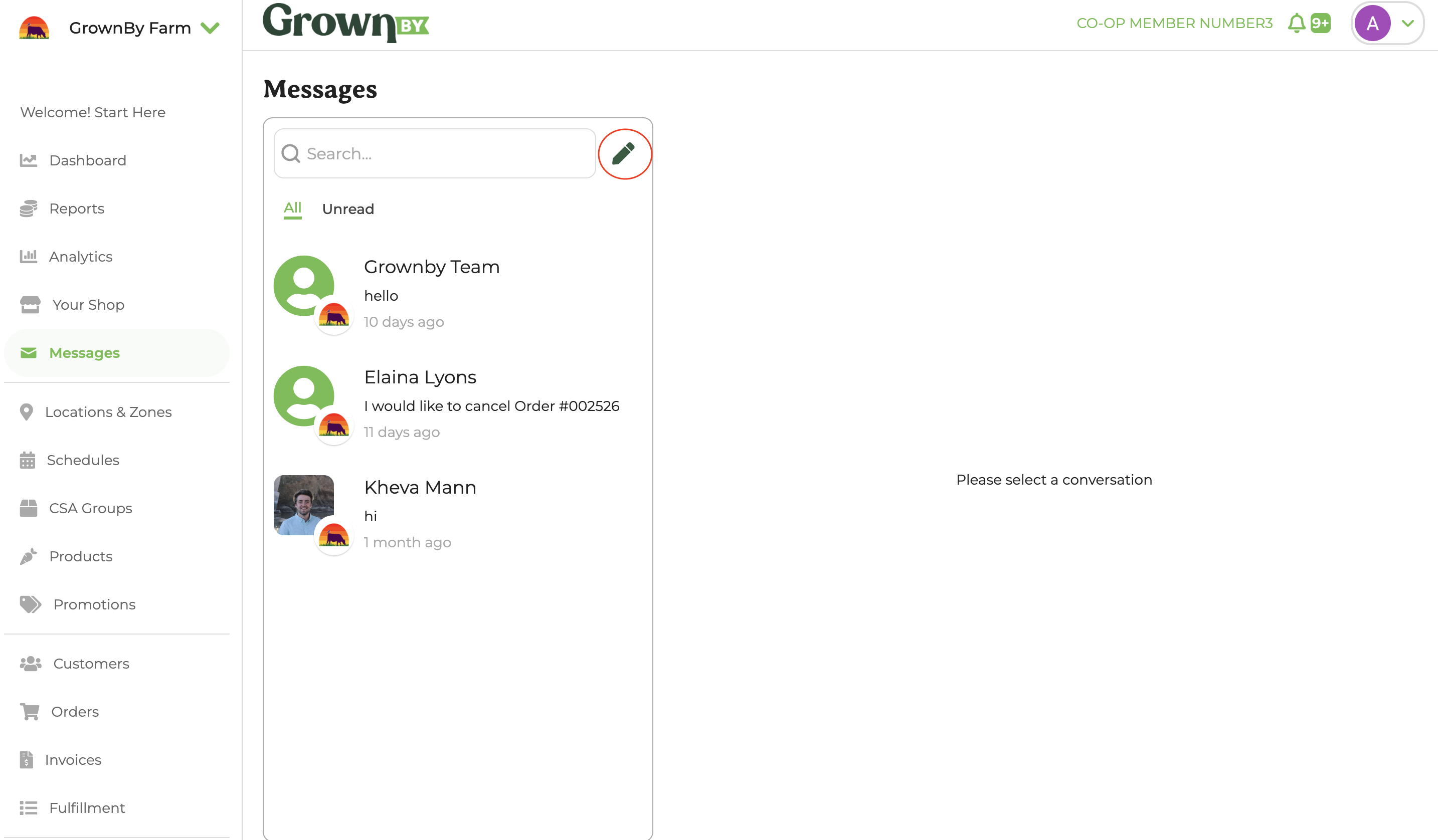
Details on Messages
- You can currently only message one customer at a time.
- Customers and Farm Admins receive a notification each time they receive a message.
- A person needs to be on your customer list in order for you to send them a message.