
GrownBy Login Methods
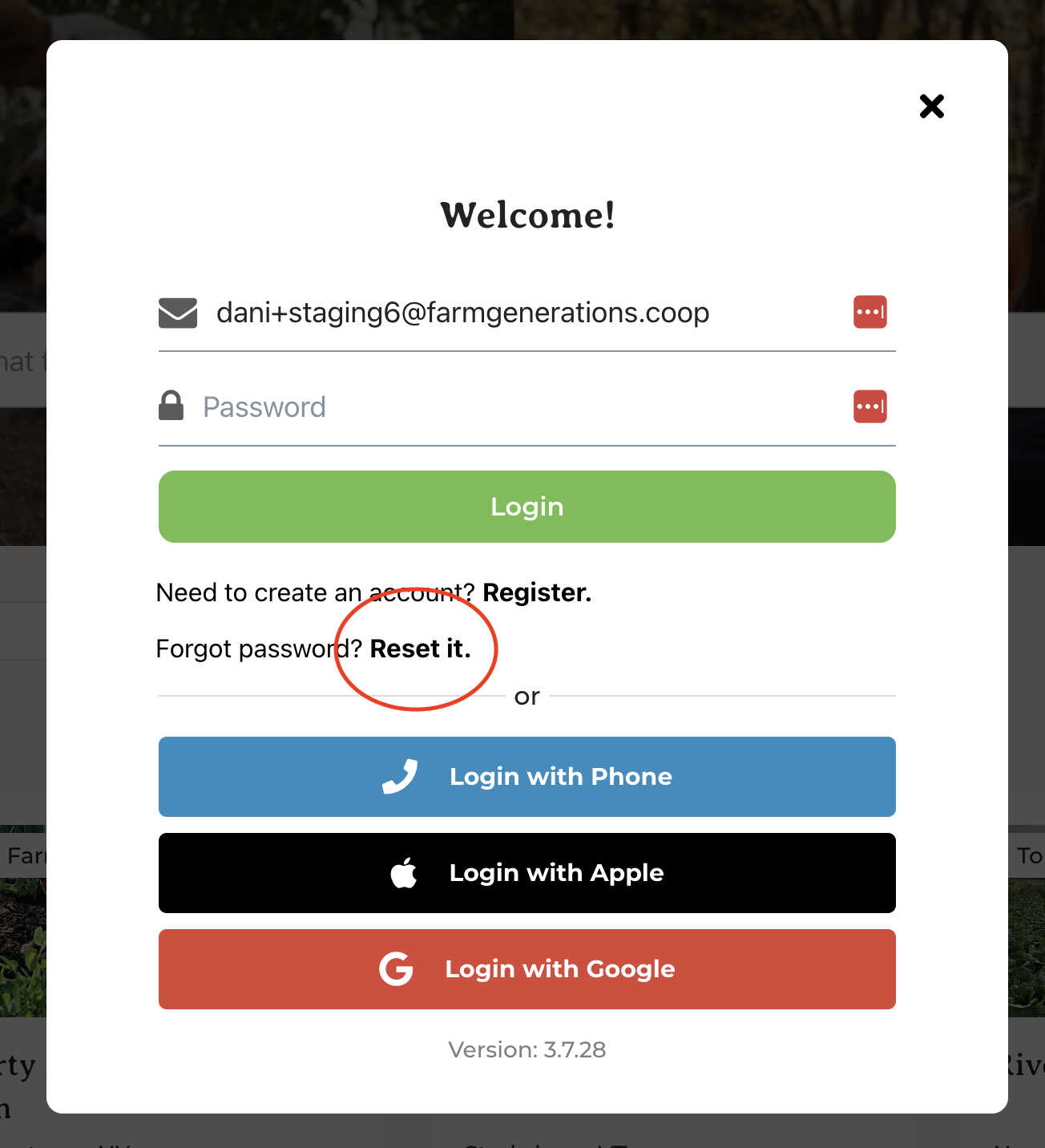
GrownBy supports a variety of login methods. You can log in with a connected phone number, email and password, Apple, or Google account.
Once you have selected a login method, you cannot change it. If you need your login method changed, please see the section below called "Changing Your Login Method."
Phone login does not have a password and will send you a verification text which you can type into GrownBy to login. Some devices may be able to detect that you received a verification code and log you in automatically or display the verification code above your keyboard.
If you have chosen Email, you will need to enter your password. If you have forgotten your password, click Reset it and a password reset email will arrive in your inbox.
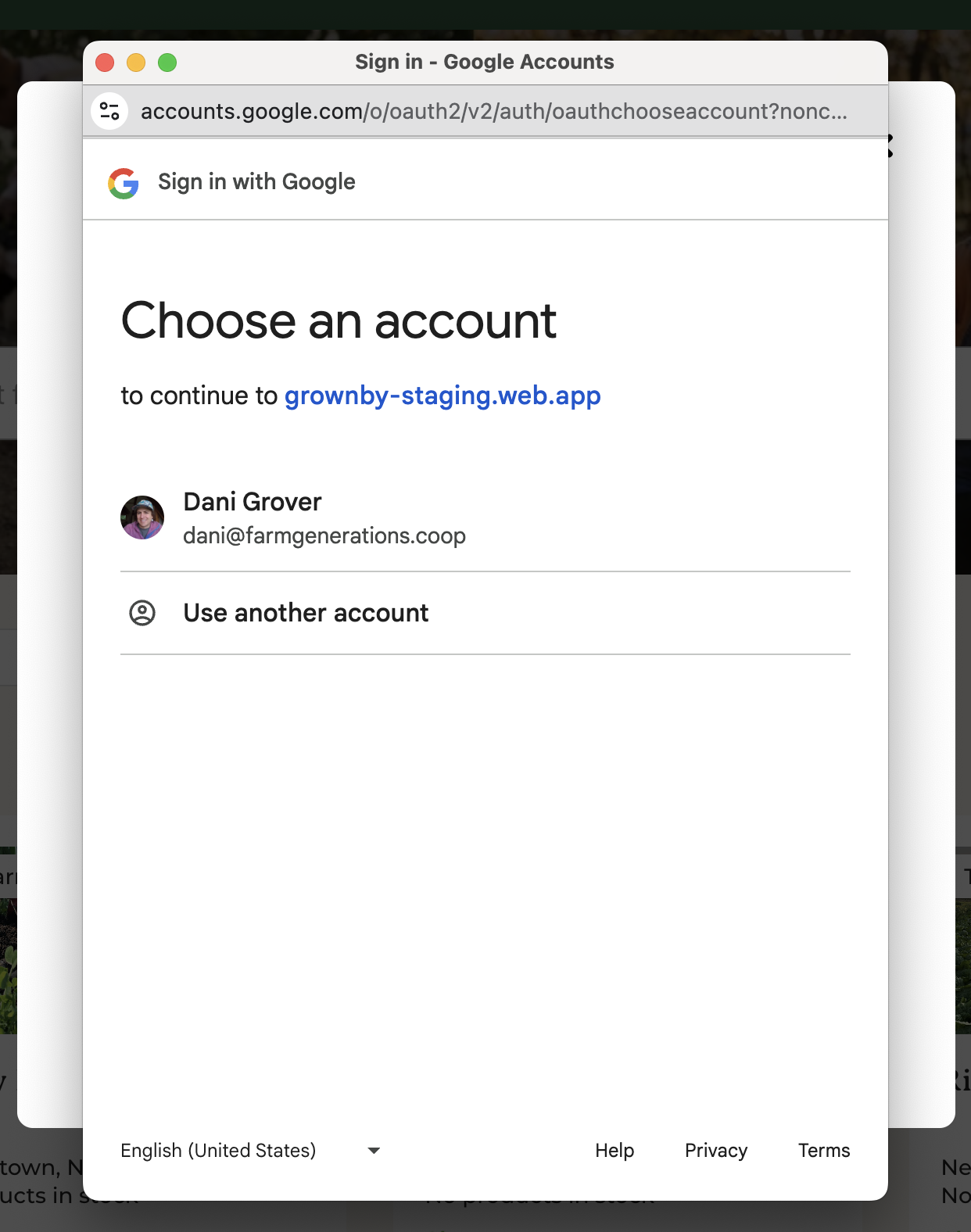
With Apple, or Google, if you are already logged in to one of those providers on your device, you may not have to select anything or you may have to specify which account you would like to use to login:
Changing your Login Method
If you need to change your login method, please provide us with your current login credential and what you would like to change your login method to at [email protected] and we'll be happy to help!