
GrownBy is available in English, Spanish, and French.
Changing your language
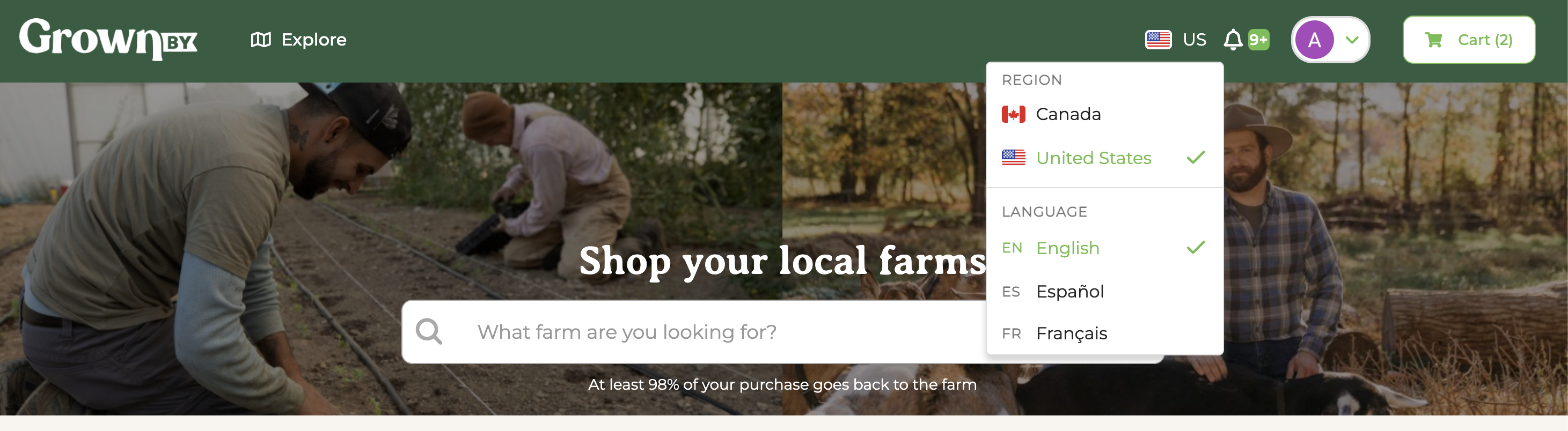
The language picker sits in two places, and both change the same setting:
- In the site header, next to the region selector
- In the footer at the bottom of the page, next to the region
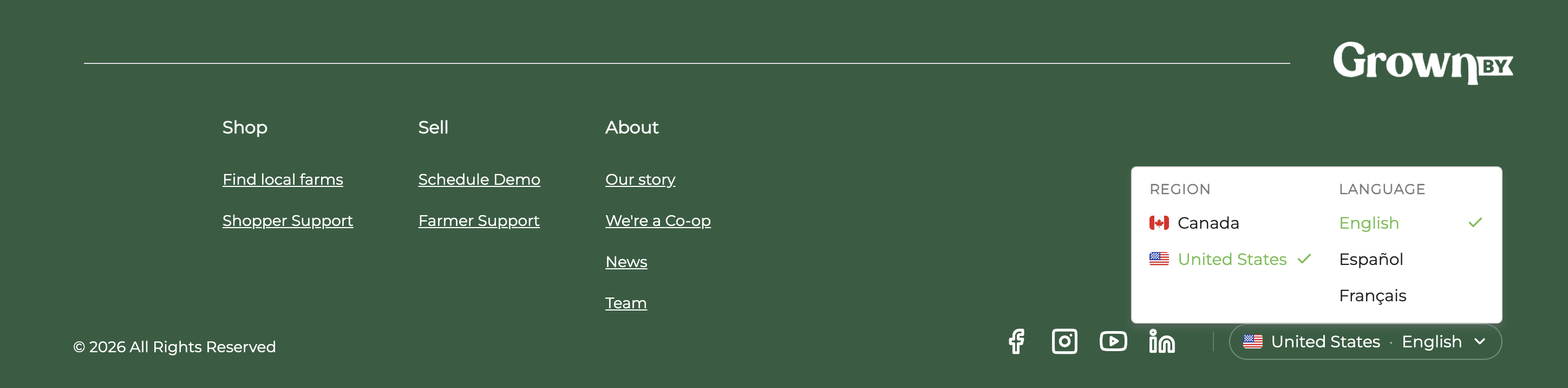
Open either one and choose your language under the Language heading. The page switches right away.
If your device is set to Spanish or French the first time you open GrownBy, the app offers to switch for you with a short message, and you can accept or dismiss it.
Your choice follows your account
If you're signed in, your language is saved to your account, so it comes with you to any device you sign in on. If you choose a language before signing in, that choice is carried over to your account when you sign in.
Order and account emails are sent in the language saved to your account.