
Star Micronics Cash Drawer
GrownBy Register is integrated with select Star Micronics hardware, and specifically hardware that can connect via Bluetooth.
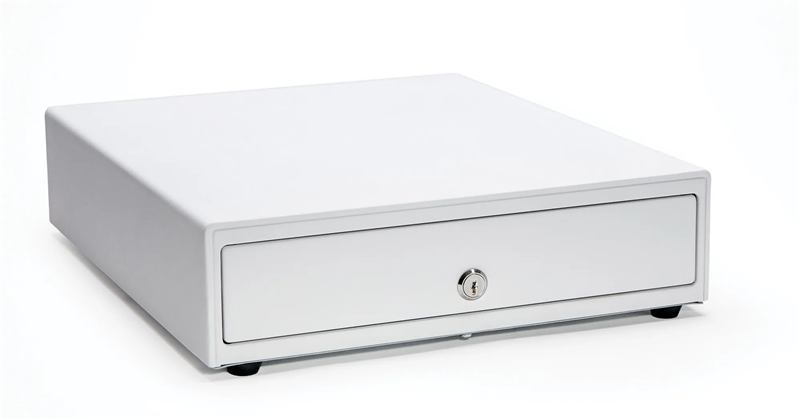
Here is the eligible model:
Connecting Cash Drawer to GrownBy Register
- Connect the included cable between the printer and the cash drawer. Be very sure to connect the Printer side to the printer and the Cash Drawer side to the cash drawer.
Opening the Cash Drawer
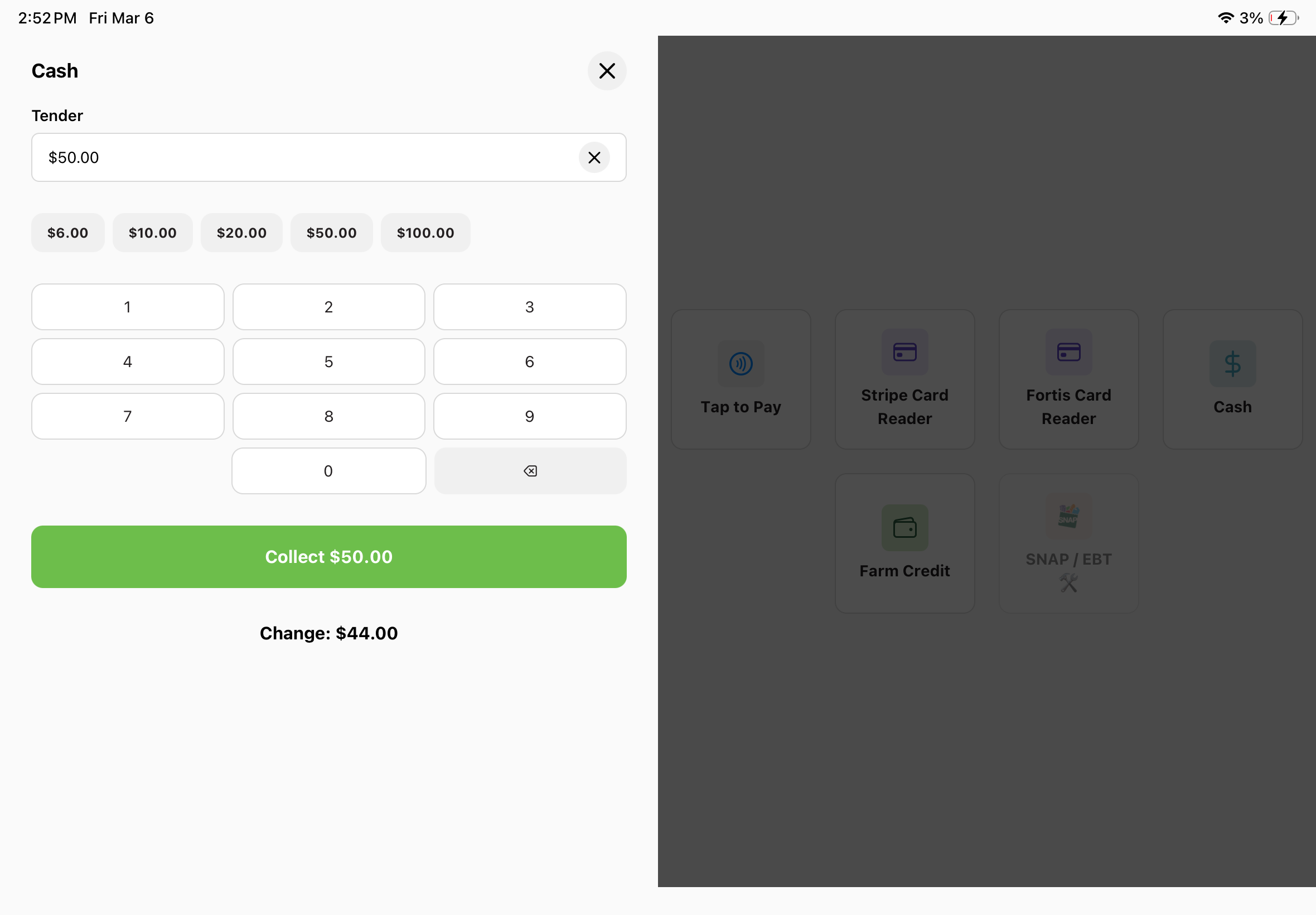
- When receiving a cash payment, the cash drawer (if connected properly) pops open automatically when the payment completion screen appears (after clicking Collect), as long as the Star printer was connected when that screen loaded.
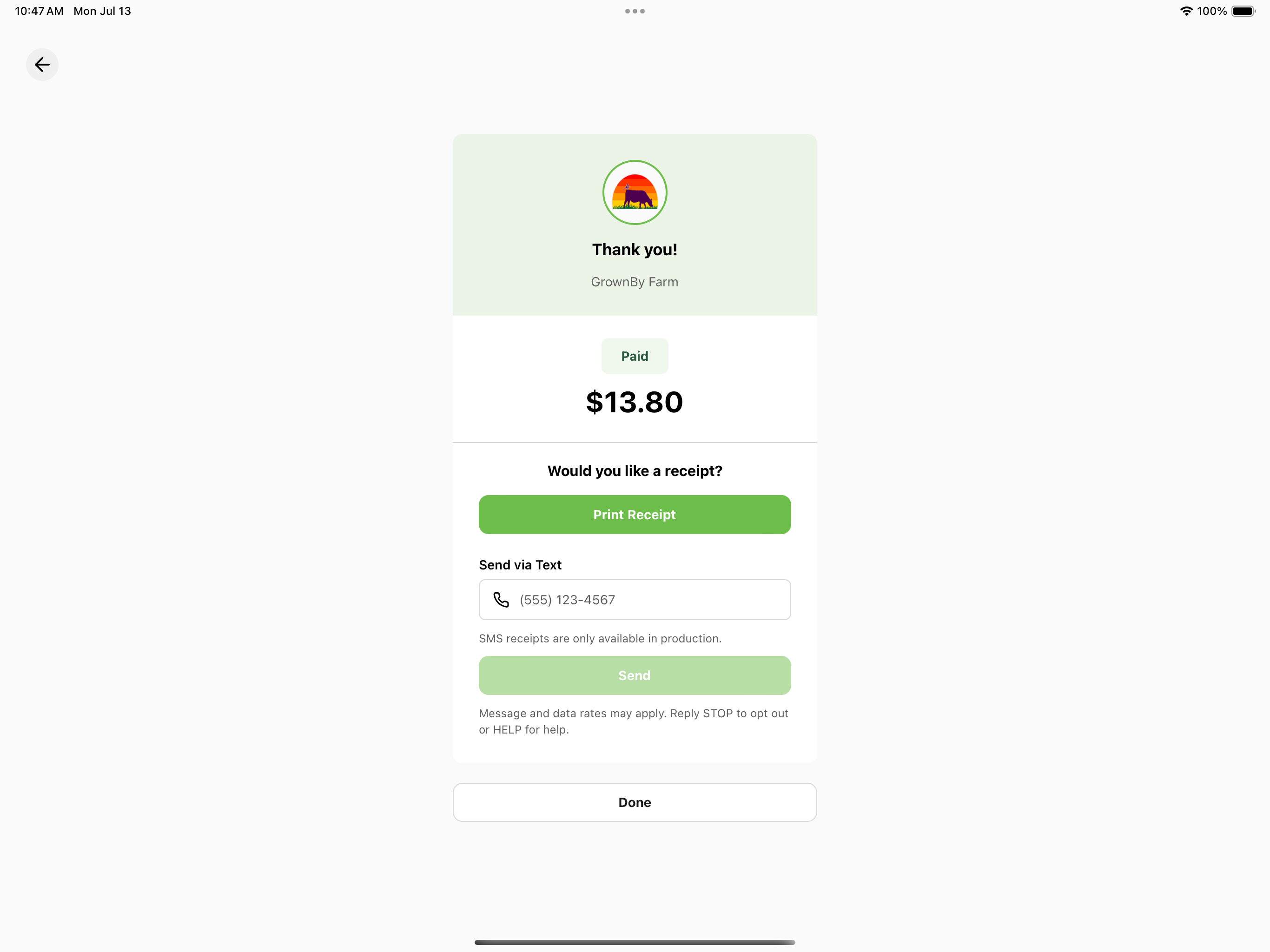
The cash drawer opens when this screen appears.
You can also open the drawer by hand. Go to Settings → Peripherals and use the Open button on the Cash Drawer card. The button appears once a receipt printer is connected, since the drawer connects through the printer.