If you need to start over or remove all items from a customer's cart, you can clear the entire order in a few taps.
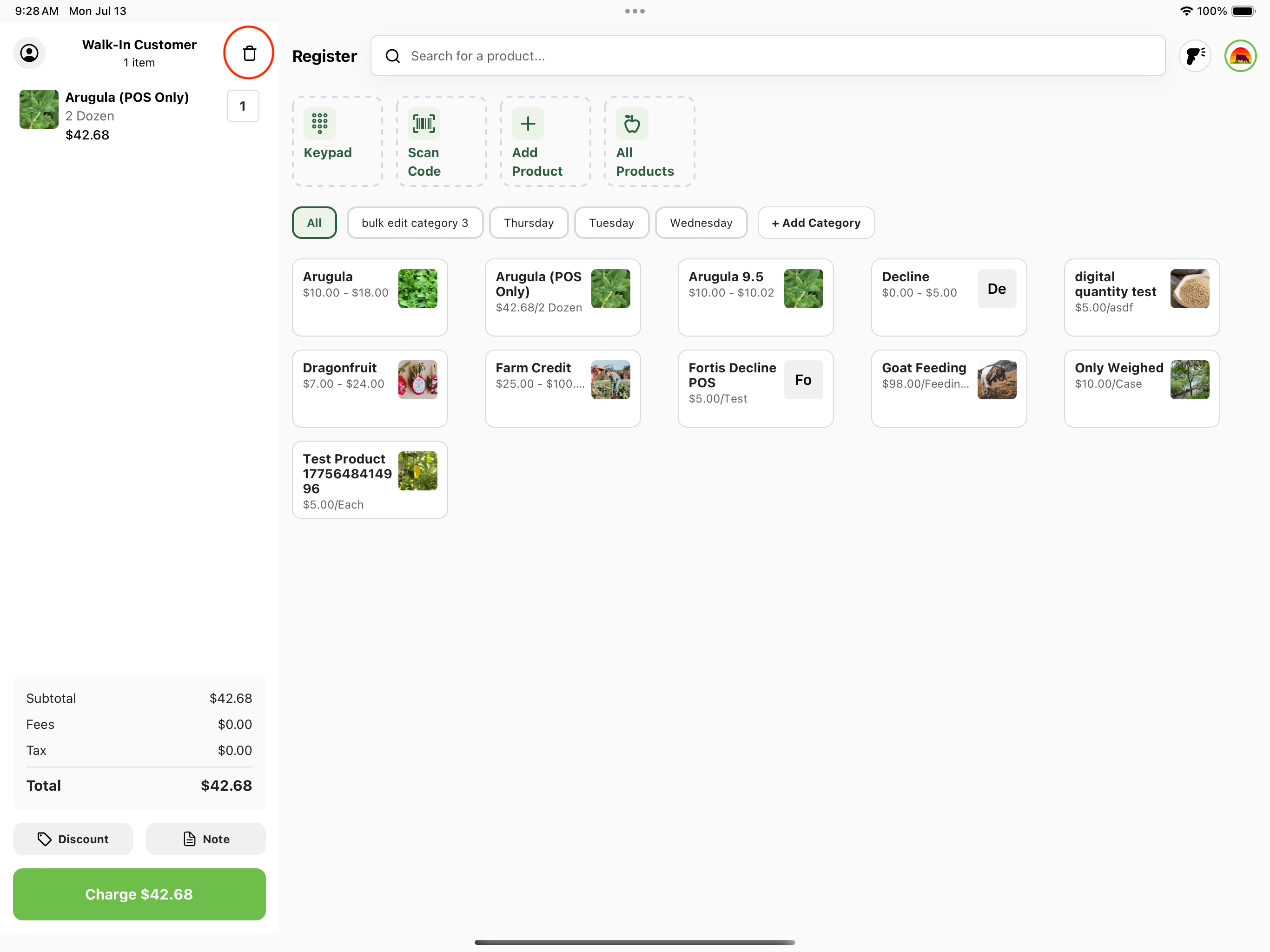
1. Navigate to your customer cart.
Tap the trash icon in the cart header.
2. Clear cart confirmation.
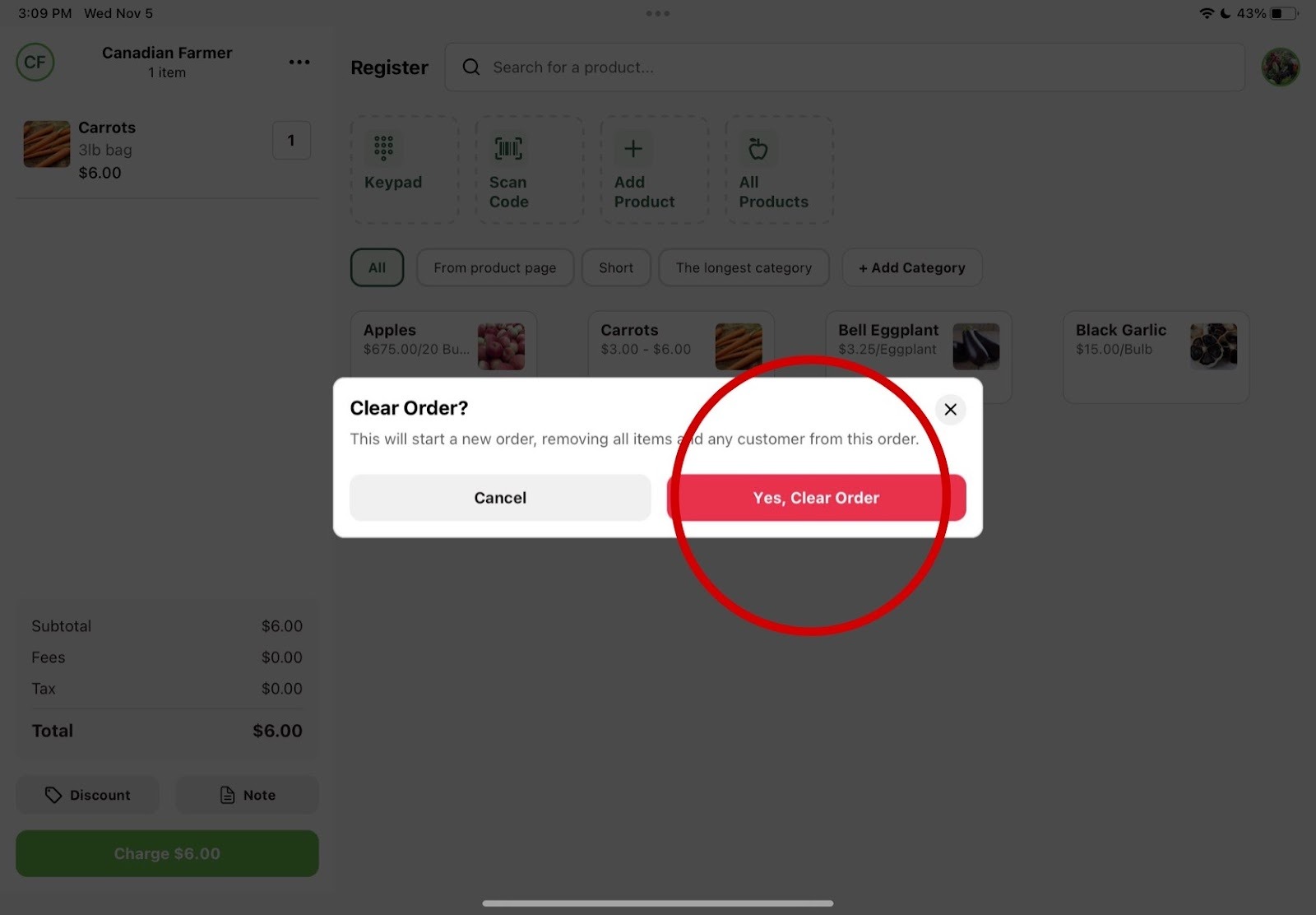
A "Clear Order?" prompt will appear. Confirm by pressing the red "Yes, Clear Order" button.