
Many farms will email customers with updates, share information, newsletters and more. There are many ways to pull emails from GrownBy, depending on your needs.
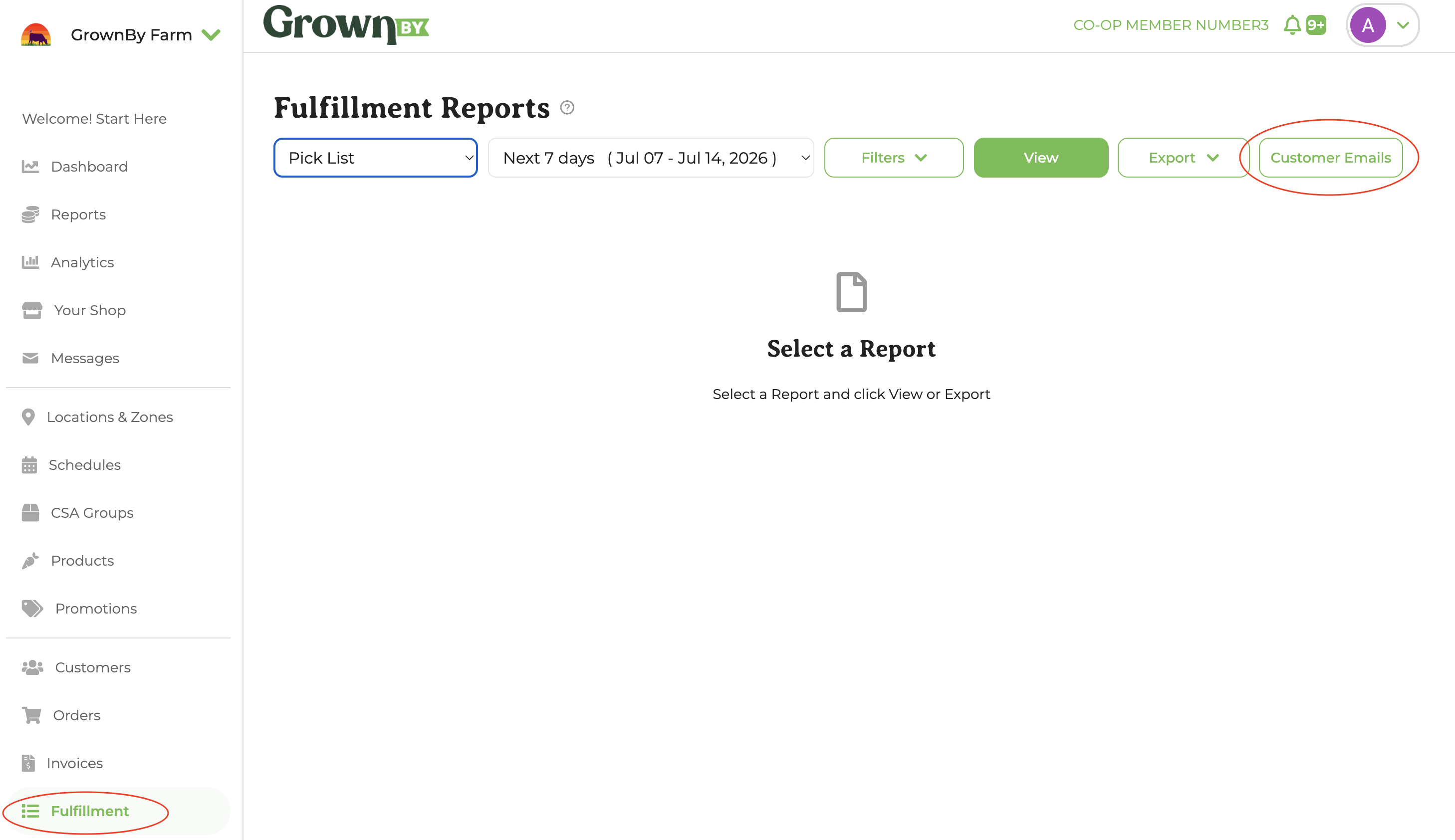
Customer Emails button
In Fulfillment Reports, you can apply any filters you need and click on the Customer Emails button. Then copy and paste the list to your email or newsletter service. This is a useful method for targeted emails. You may want to simply send an email to CSA members picking up this week about their share contents. These filters allow you to make a specific list, based on schedules, shares, or locations. The Sign In sheet .csv export also has details of which standard items have been purchased. So if you need to send an email to everyone who bought blueberries this week, you can sort that list by Product to copy the email address you need.
Customer List Export
The csv export of your customer list is everyone who has ever bought from you via GrownBy or who has favorited your farm on GrownBy. This could be used for general farm newsletters or promotions. You cannot remove someone from this list, however (because GrownBy needs to have a customer to link a previous sale to).