
A farm admin can add customers through their GrownBy dashboard. You might want to do this if:
- You are moving from another platform or system to GrownBy and you want to get everyone started
- You have customers who are having trouble getting started with GrownBy or are just never going to buy a CSA share on the internet
- You want to use GrownBy to record customers and sales that did not happen on the platform
Adding or Inviting a customer to GrownBy
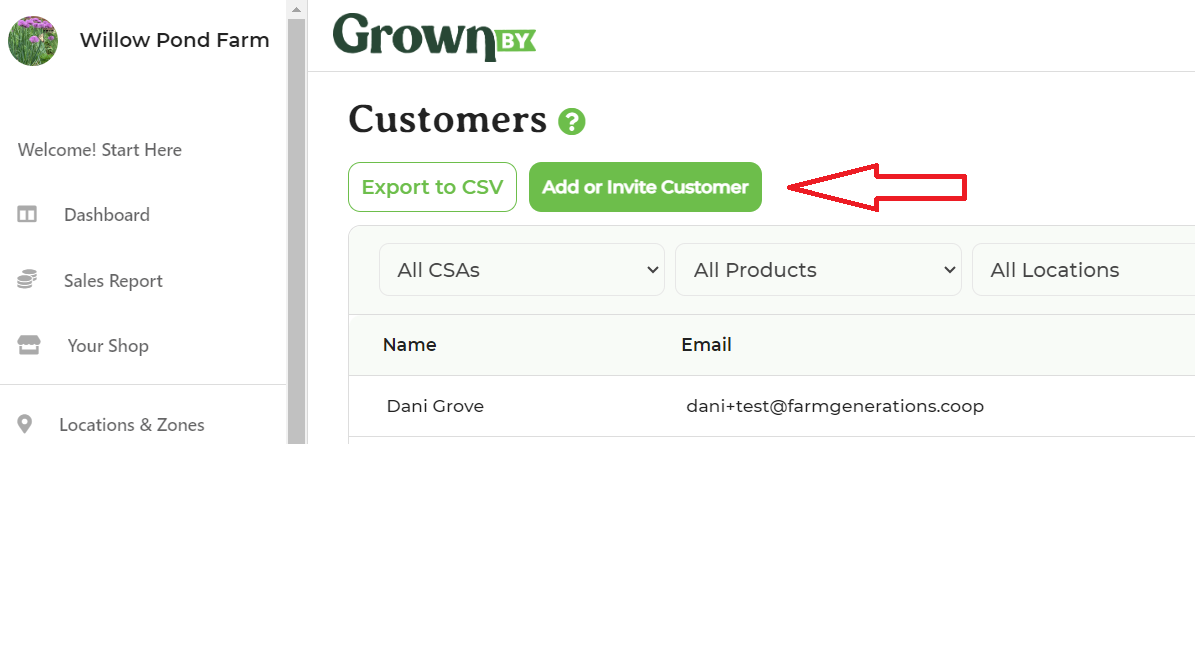
To create an account for a customer, go to Customers in your dashboard and click Add or Invite Customer:
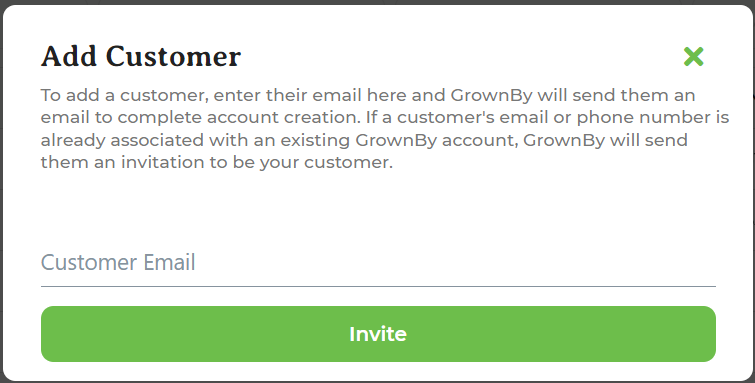
A pop-up will appear. Enter the customer's email address, select the type of customer from the dropdown, and click Invite. If your farm has the Wholesale plan, you will also be prompted to select whether the customer is a Retail or Wholesale customer. It looks like this:
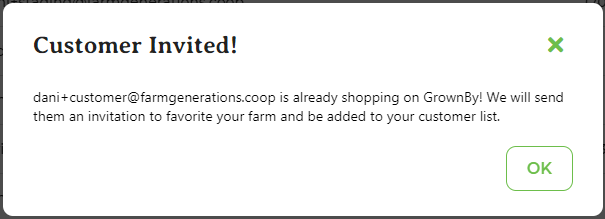
If the customer is already on GrownBy, they will be invited by email to favorite your farm, which will add them to your customer list. The pop-up looks like this:
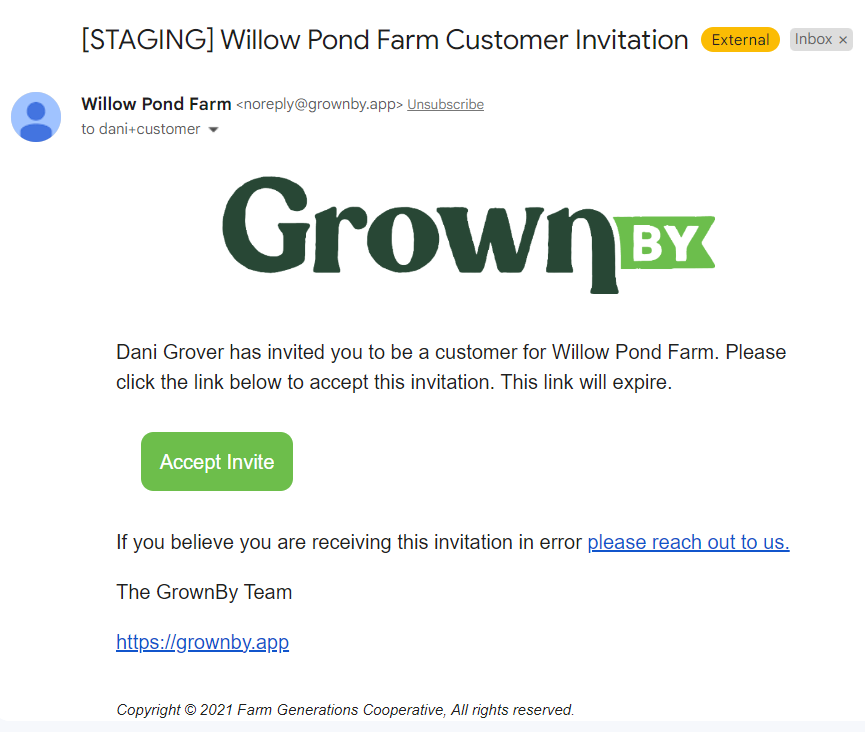
The email they receive looks like this:
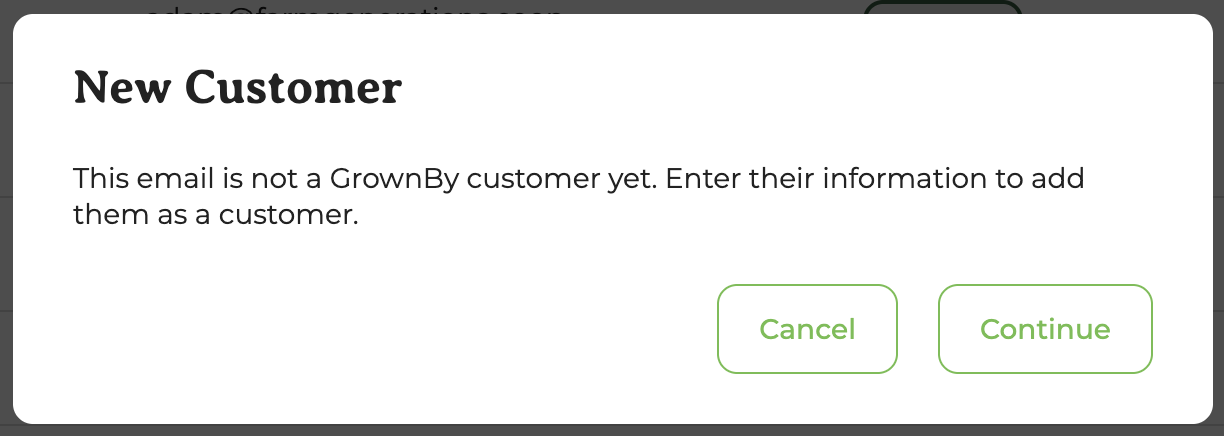
If the customer has never used GrownBy, you will see a "New Customer" pop-up. Click Continue to fill in the customer's information:
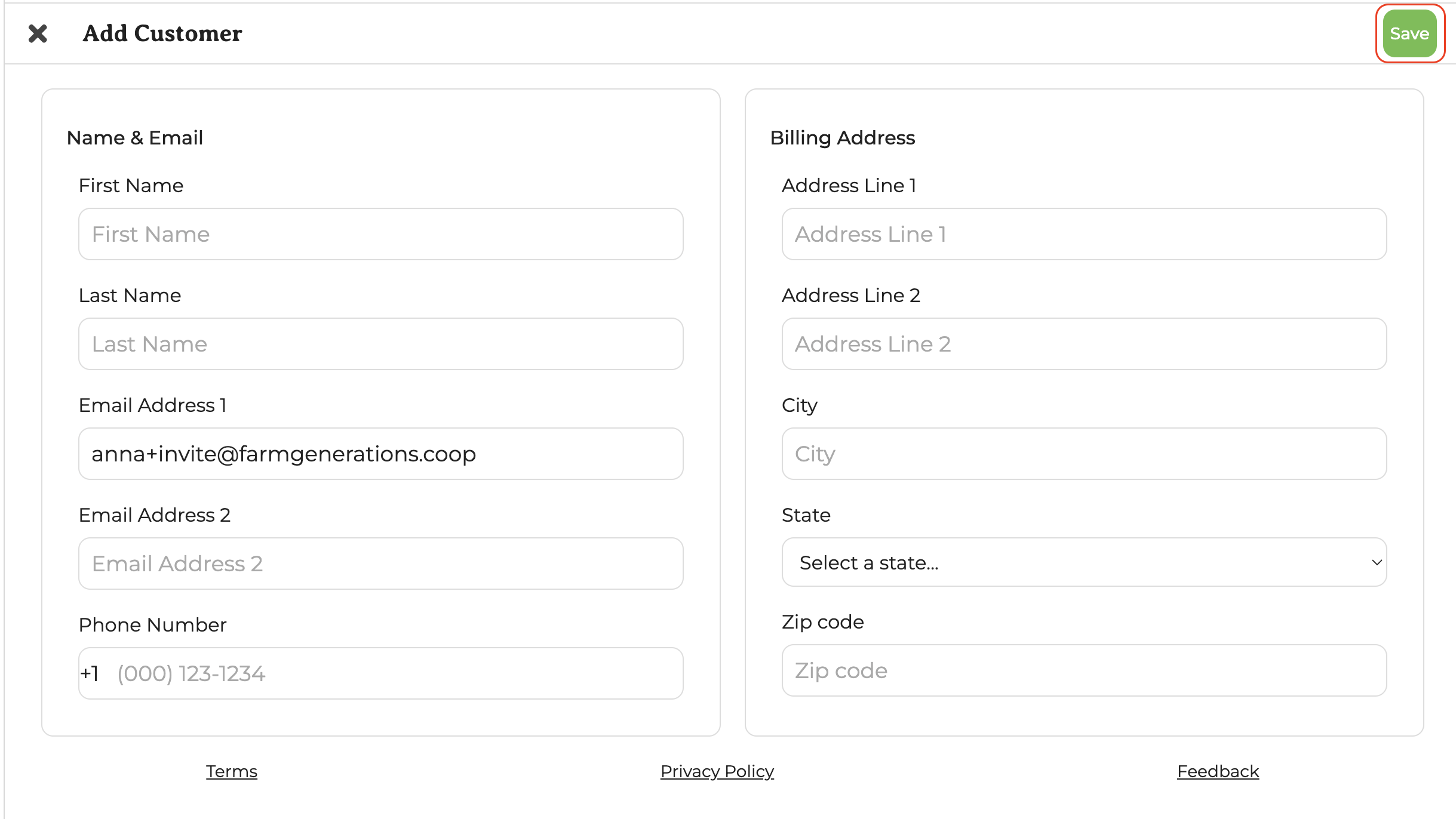
Enter the customer's information into the form and click Save:
The customer will be added to your farm and will receive an email inviting them to set up their account. The email notification looks like this:
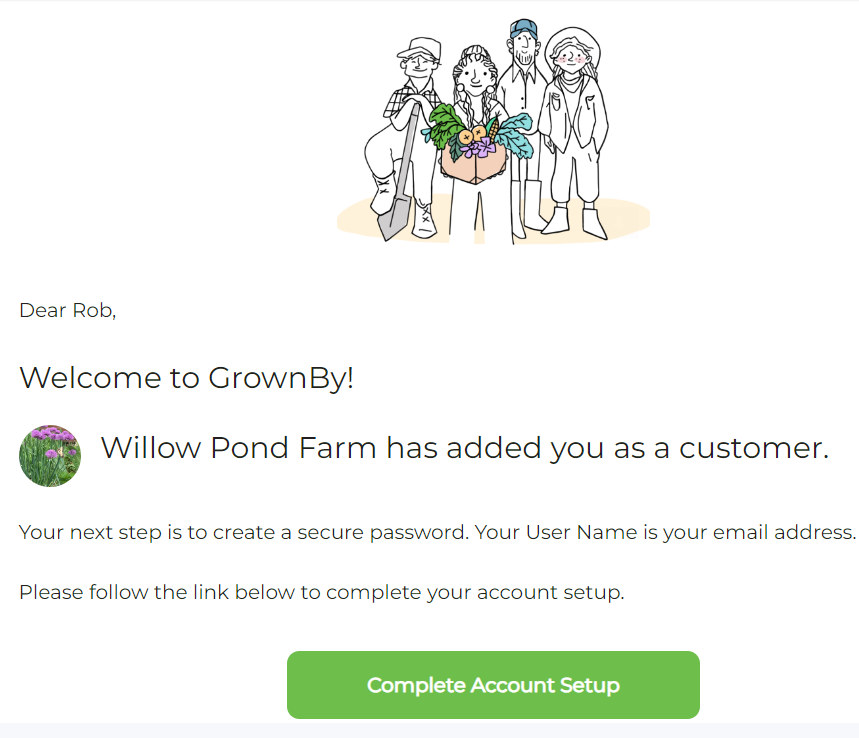
Then they'll need to follow that link and create a password.
Even if a customer has not followed the link or added a password, you can make orders for them. This way you can send an invoice to a brand new customer, if, for example, they requested to sign up for a CSA share, or you can simply make sure that a customer is on your CSA sign in and distribution list, even if they just want to send a check and not use the app.