
Farmers get email and push notifications from GrownBy to keep them up-to-date on important details about their accounts. Customers also get email and push notifications, which you can read about here.
You can control which notifications farm admins and customers receive. Read more here.
Account Set up Notifications
Farmers cannot turn off these notifications
-
When you join GrownBy
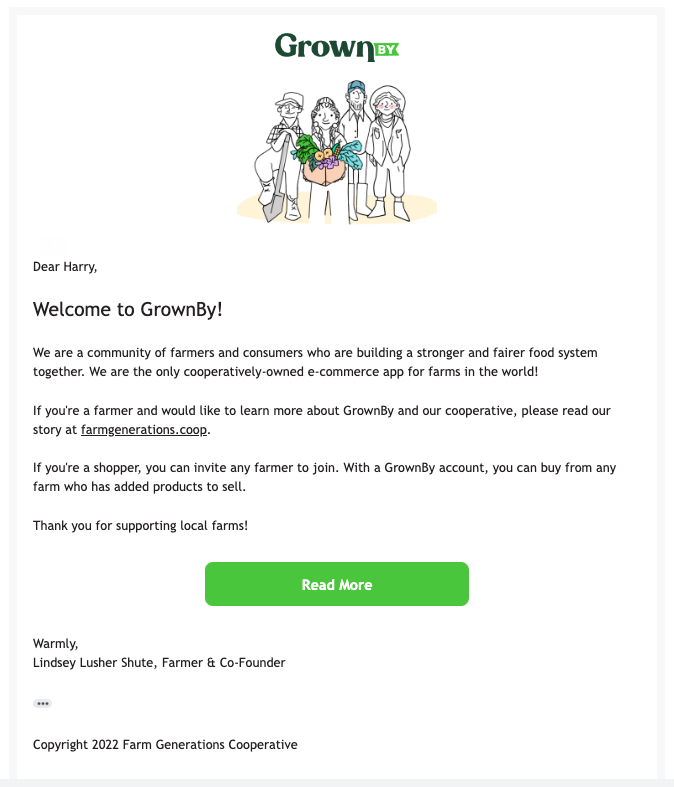
-
When you claim your farm
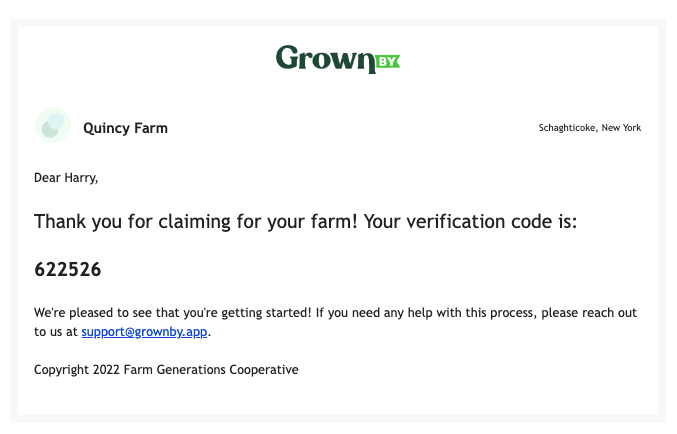
-
When you verify your farm
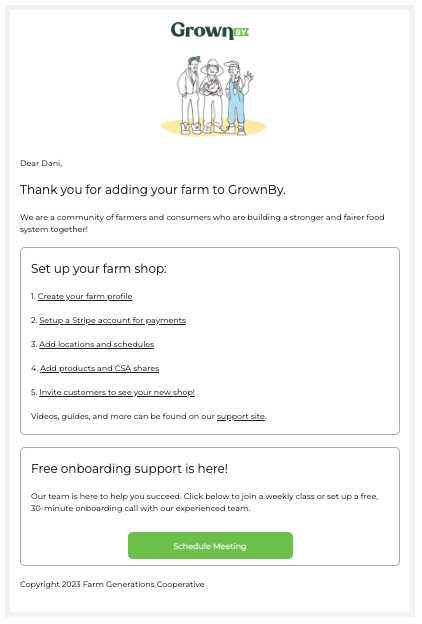
-
When you request a password reset
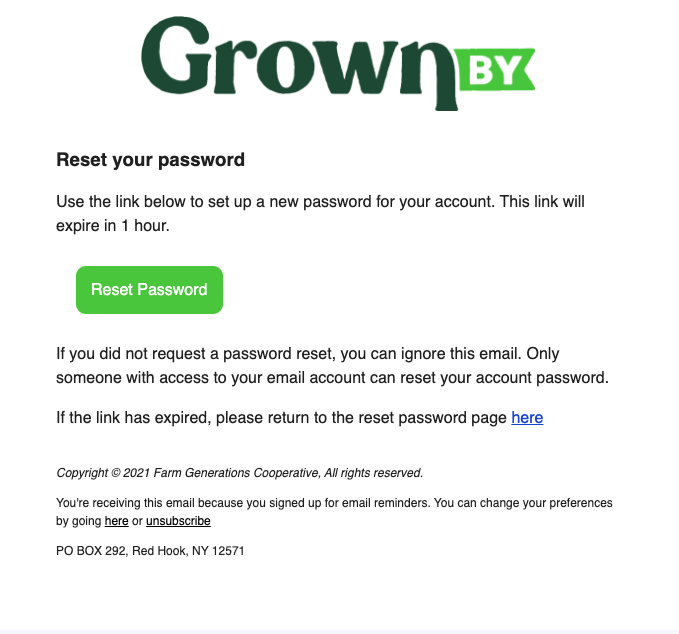
Shop Management
-
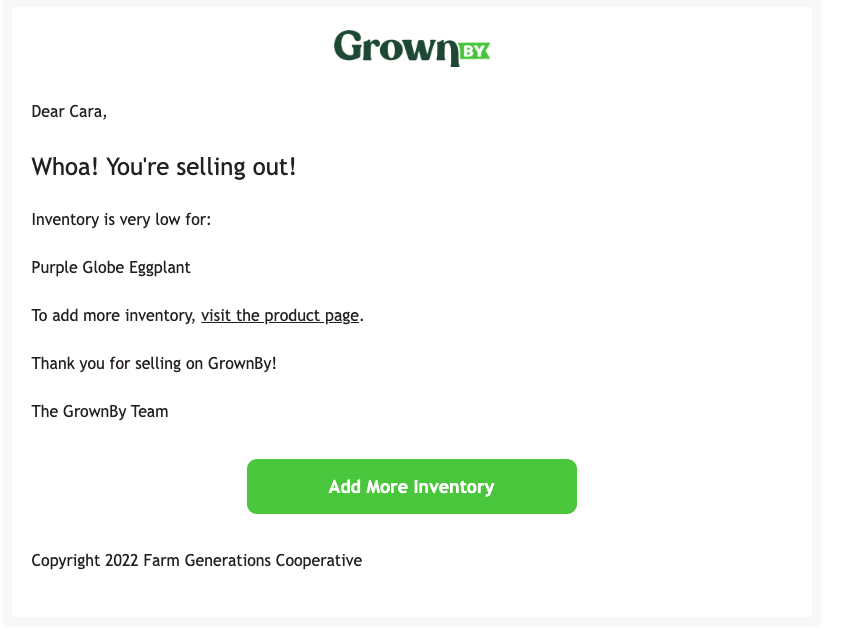
When inventory gets low (5 or fewer)
-
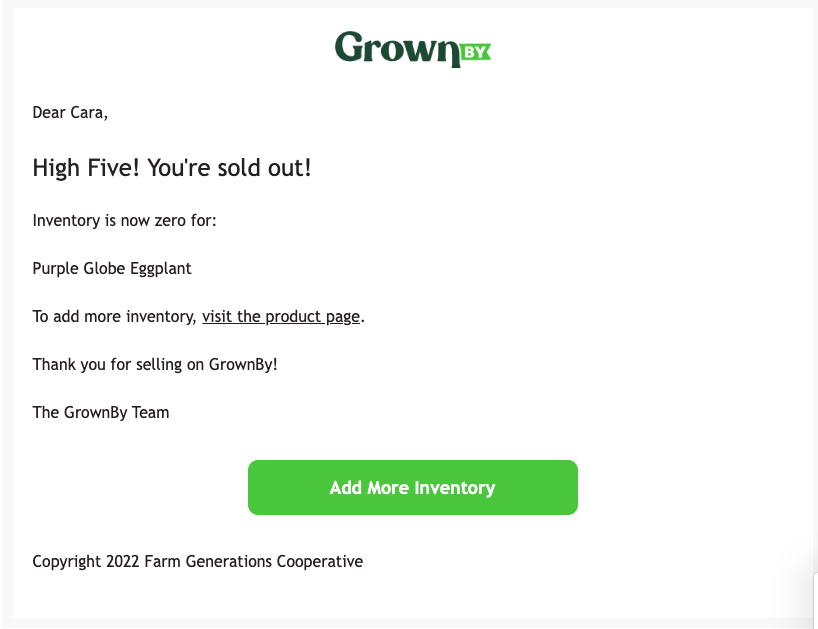
When inventory runs out
Customer and Invoice management
-
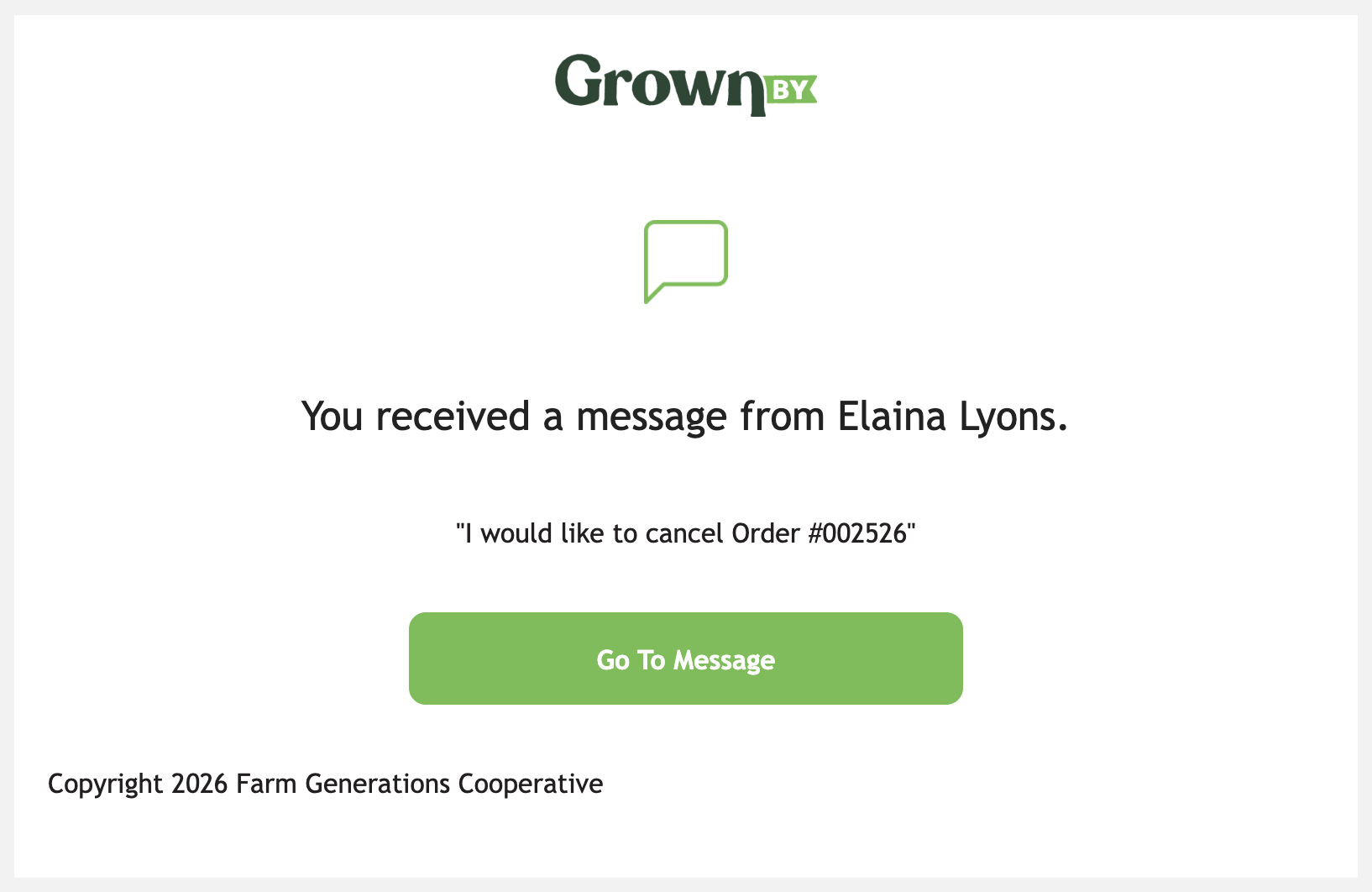
When you get a new message from a customer
-
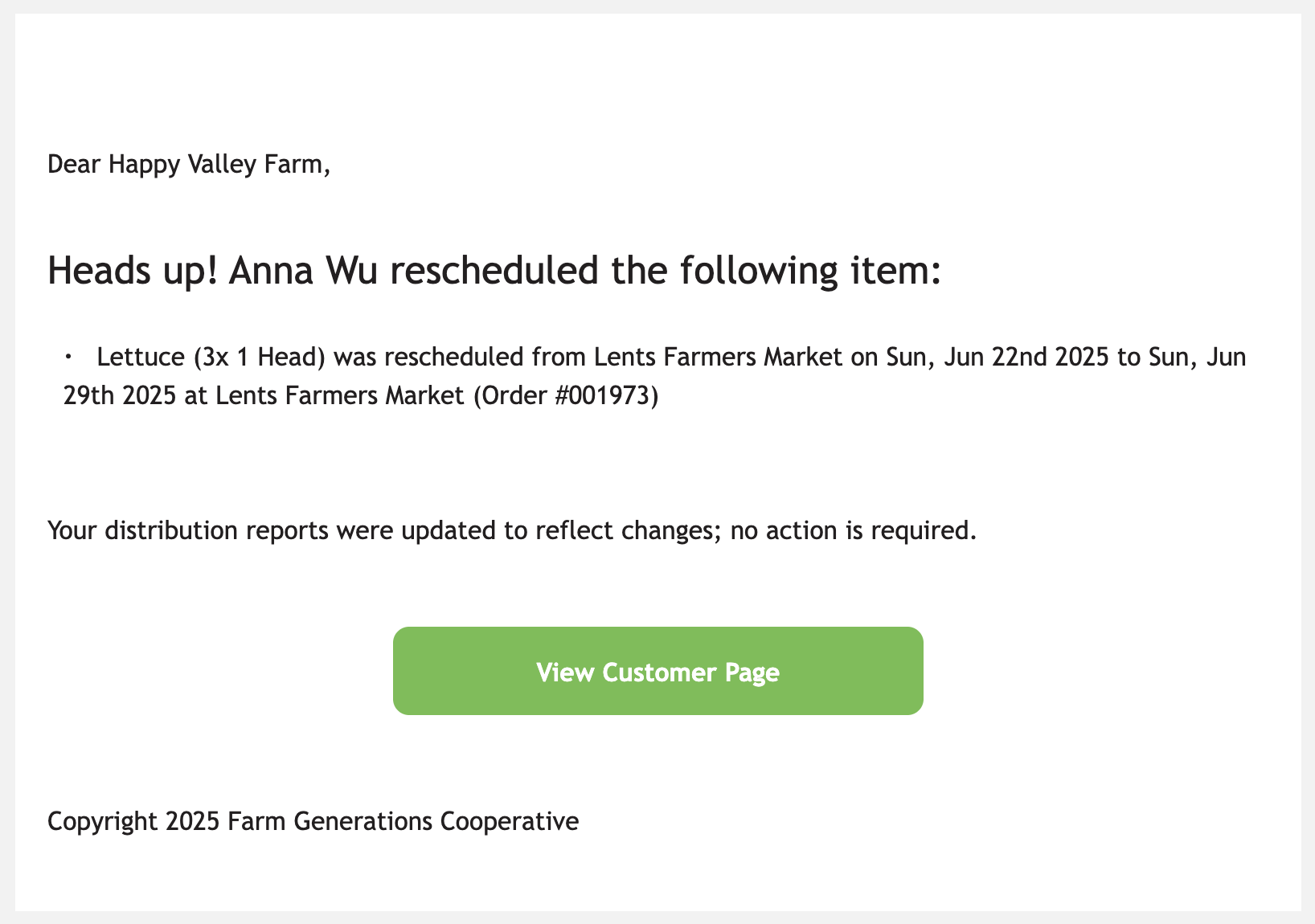
When a shopper reschedules a pickup or delivery or all distributions in a subscription
-
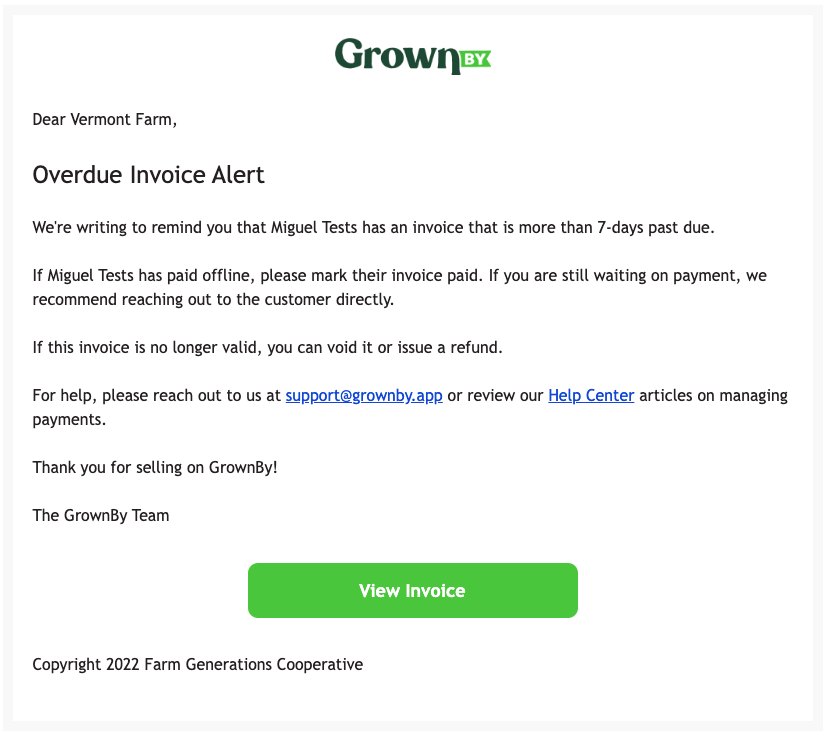
When an invoice is 7 days overdue. The customer also receives a similar email notification when the invoice is 14 days overdue.
-
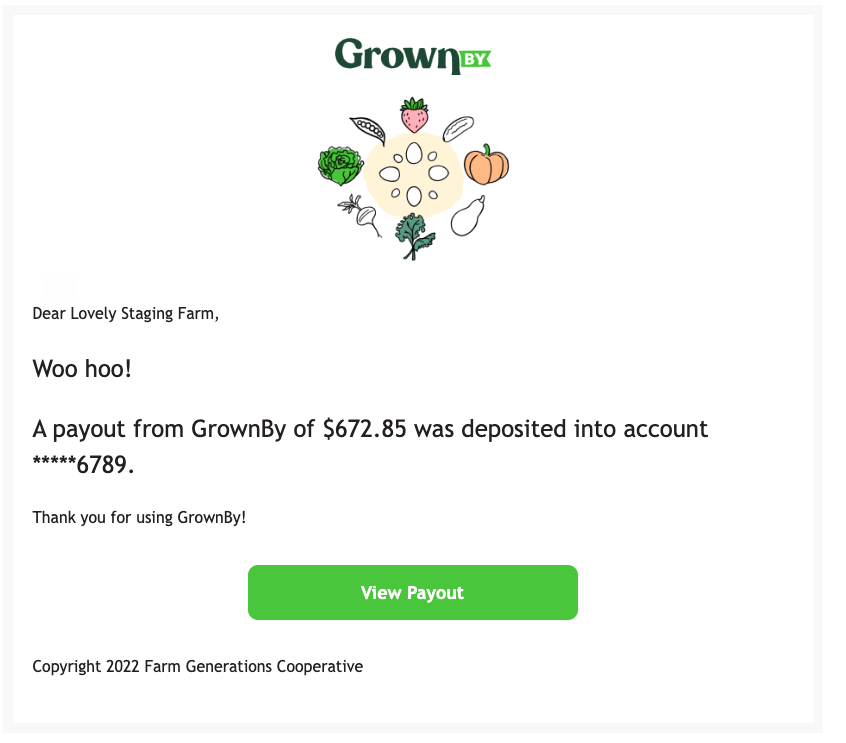
When you get a payout from Stripe (Credit Cards and ACH), Fortis (Credit Cards and ACH), WorldPay (EBT), or Forage (EBT). If you have issued refunds and have a negative payout from Stripe, you'll receive a similar notification of "balance changes."
-
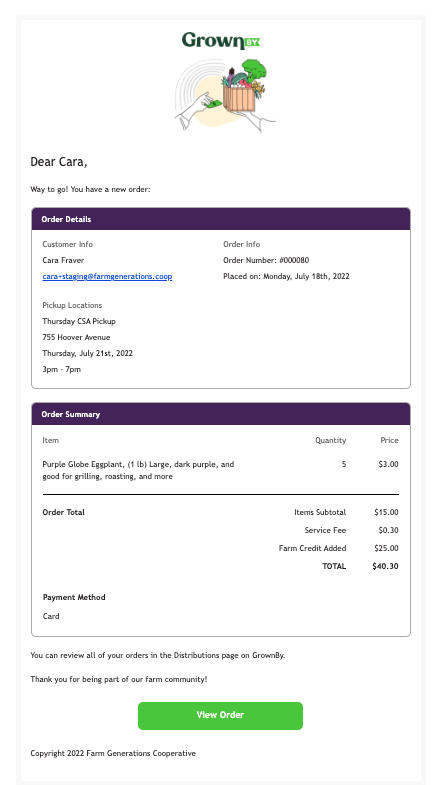
When a customer places an order. There may be "notes" here that are entered by your customer at checkout. They can also be found on the order details and the orders export.
-
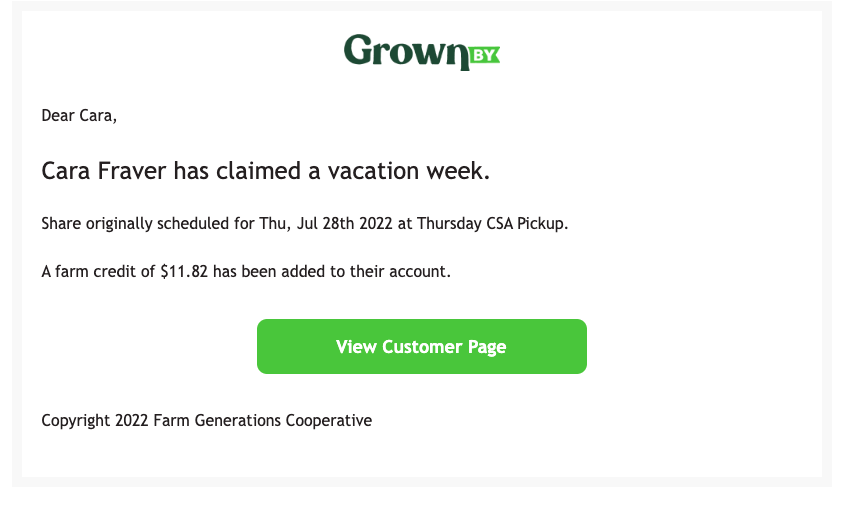
When a customer claims a vacation week. This email comes to the farmer when the vacation week claim is initiated, but the vacation might be taken many weeks later.
Wholesale
- When a wholesale customer places a new order. This order is still pending until the farmer approves or declines. This notification includes notes from the customer and PO number, if used.
- Reminder to approve or decline pending draft orders, which is sent up to 24 hours before the time of distribution.
Custom Shares
- Your customization window is scheduled to open in 12 hours
- Your customization window is now open.
- Your customization window is scheduled to close in 12 hours
- Your customization window is now closed.
- When there is something blocking a customization close.