
Signing in
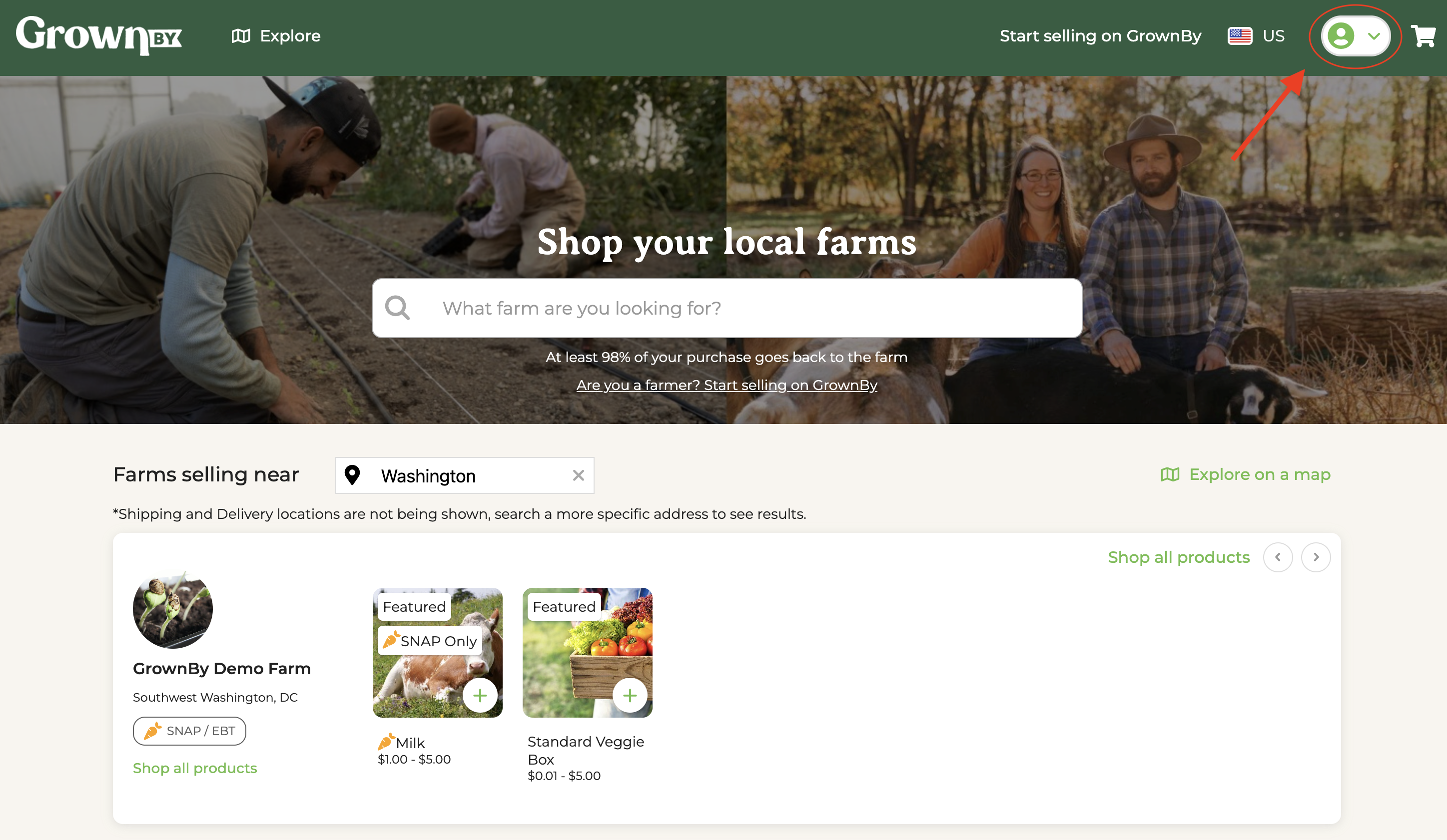
To get started, tap the account button in the top right corner of any page (the person icon next to the cart), then choose Sign in from the dropdown menu.
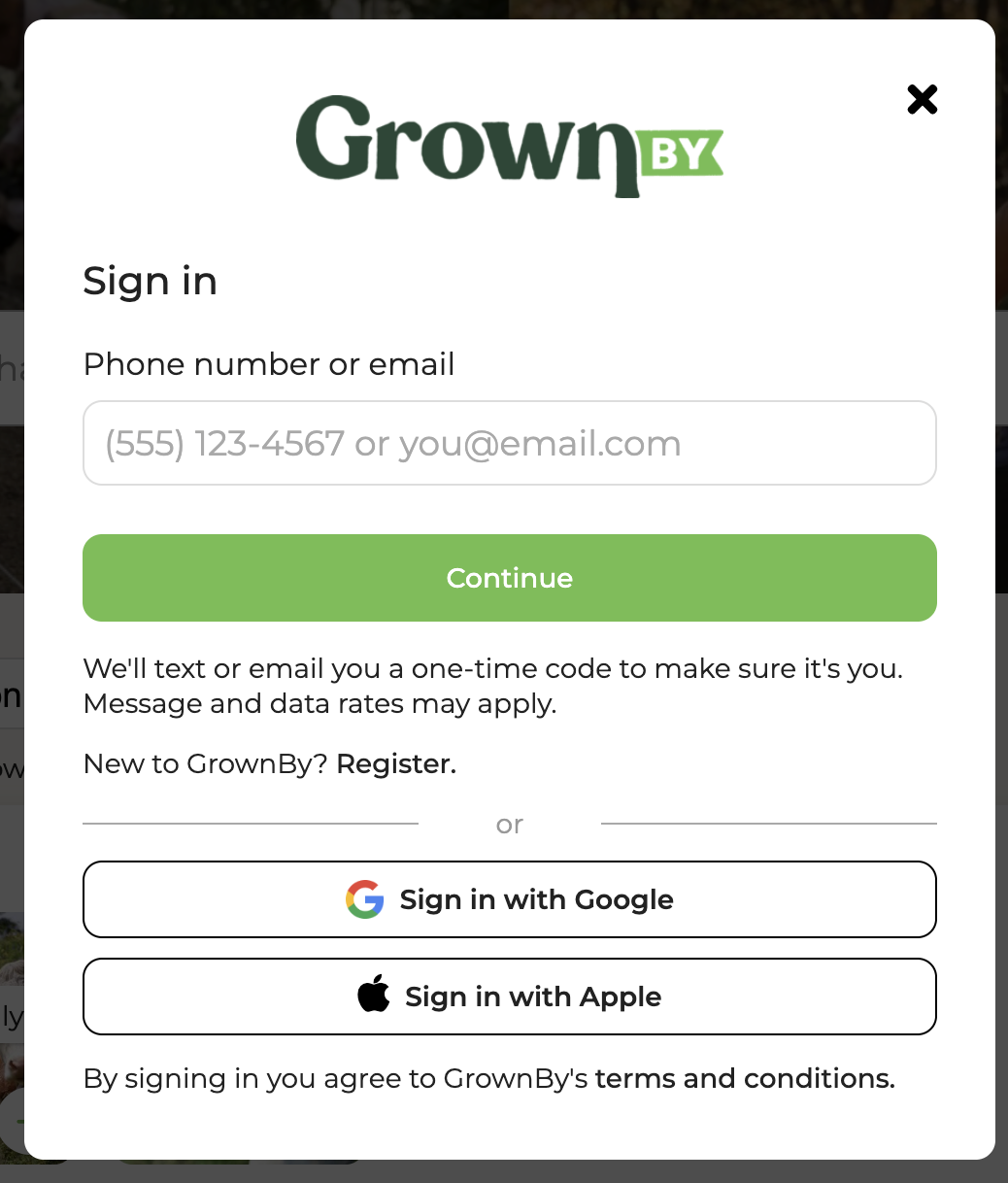
The sign-in screen shows a Phone number or email box and buttons for Google and Apple sign-in. Type a phone number or email and tap Continue, and GrownBy sends you to the right next step for your account.
- If you enter a phone number, GrownBy texts you a 6-digit code. Type it in to finish signing in. Some phones detect the code and fill it in or offer it above the keyboard.
- If you enter an email address, GrownBy either asks for your password or emails you a 6-digit code, depending on how your account signs in and which way you used last.
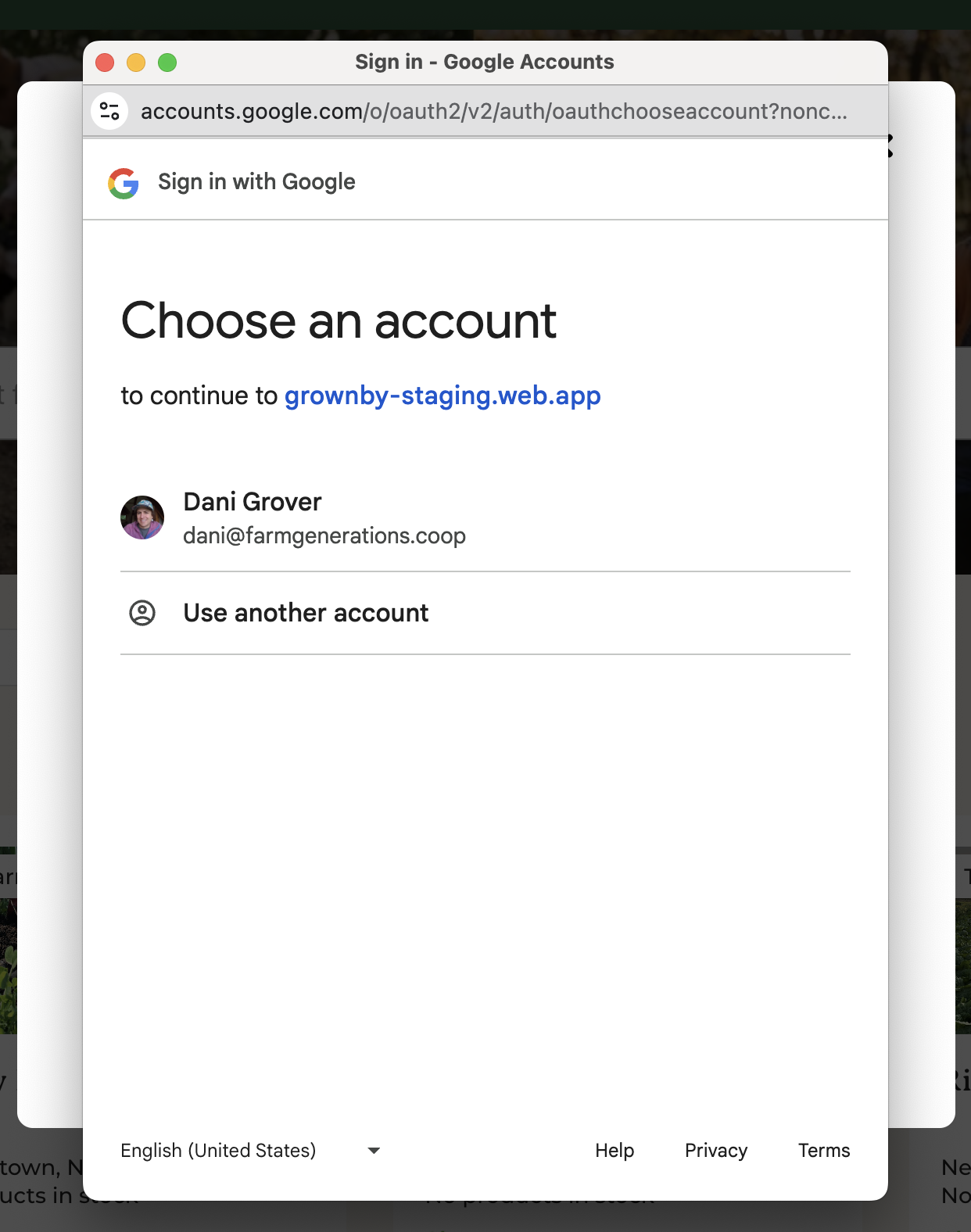
- Apple and Google accounts sign in with the buttons below the form. If you're already signed in to that provider on your device, you may not have to enter anything, or you may be asked which account to use.
Signing in with an emailed code
If your account uses an email address, you don't have to remember a password. On the password screen, tap Email me a sign-in code instead. GrownBy emails a 6-digit code, and typing it in signs you in.
The code screen has a Resend email link if the message doesn't arrive. There's a short wait between sends, shown as a countdown. Codes expire after a few minutes, so request a new one rather than reusing an old email.
If a text code doesn't arrive
Text messages travel over the cell network, so they can be slow or fail to arrive when you have weak signal. If your account has an email address saved, the code screen offers Email my code to your address instead. Tap it and GrownBy emails the code rather than texting it.
Resetting your password
If you sign in with an email and password and you've forgotten it, tap Reset it on the password screen and a password reset email will arrive in your inbox.
Changing your login method
If you need to change the phone number or email address your account signs in with, email us at [email protected] with your current sign-in details and what you'd like to change to, and we'll be happy to help.